Before you pay for an AI 3D model website: 10 things to check
One-click AI 3D sites look alike. Ten checks on licence, privacy, credits, rerolls, formats, scale and refunds that tell you what you are really buying, on any site.
Search for "AI 3D model generator" and you get dozens of sites with the same promise: type a prompt or upload a picture, get a 3D model in a minute. Many are wrappers: one website in front of one or more of the same underlying models (Rodin, Tripo, Hunyuan 3D, TRELLIS, Meshy), sold under one subscription. That is not a bad thing in itself; a good interface and one bill for several models can be worth paying for. But it means the sites differ less in the model than in the terms, the extras and the fine print.
This is a checklist you can run on any of them, ours included, before you pay. It names no one. The point is what to look for, not who to avoid.
The checklist
- Read the licence for the plan you will use, not the paid one. Free tiers often license output under Creative Commons (credit required) or for non-commercial use only.
- Check whether your models are public. On some free tiers everything you make is published to a gallery.
- Find out what one model really costs: the credits per generation, per texture and per add-on (remesh, rig, export), times the tries you will need.
- Ask how rerolls are charged. If the first result is wrong, does a retry cost the full price again?
- Check what happens to unused credits: do they expire at the end of the month, and is the plan billed yearly by default?
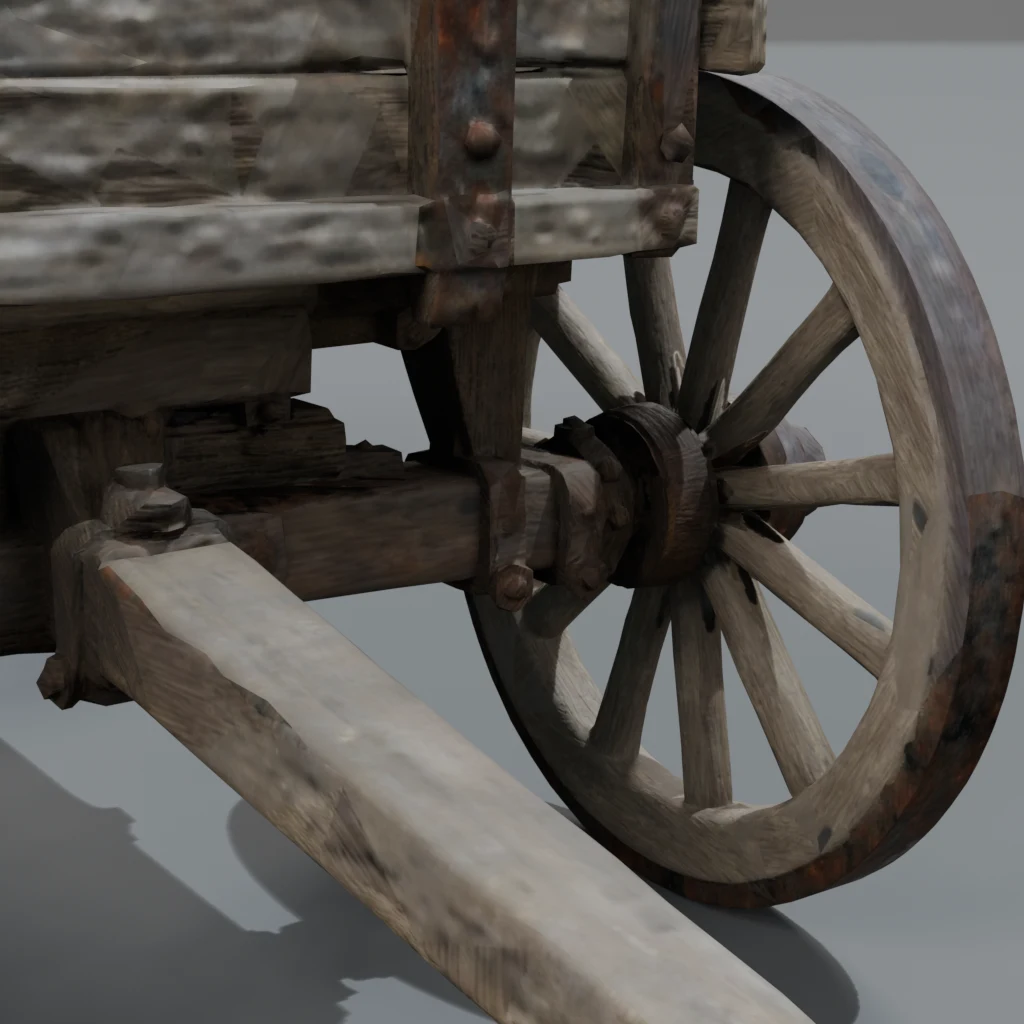
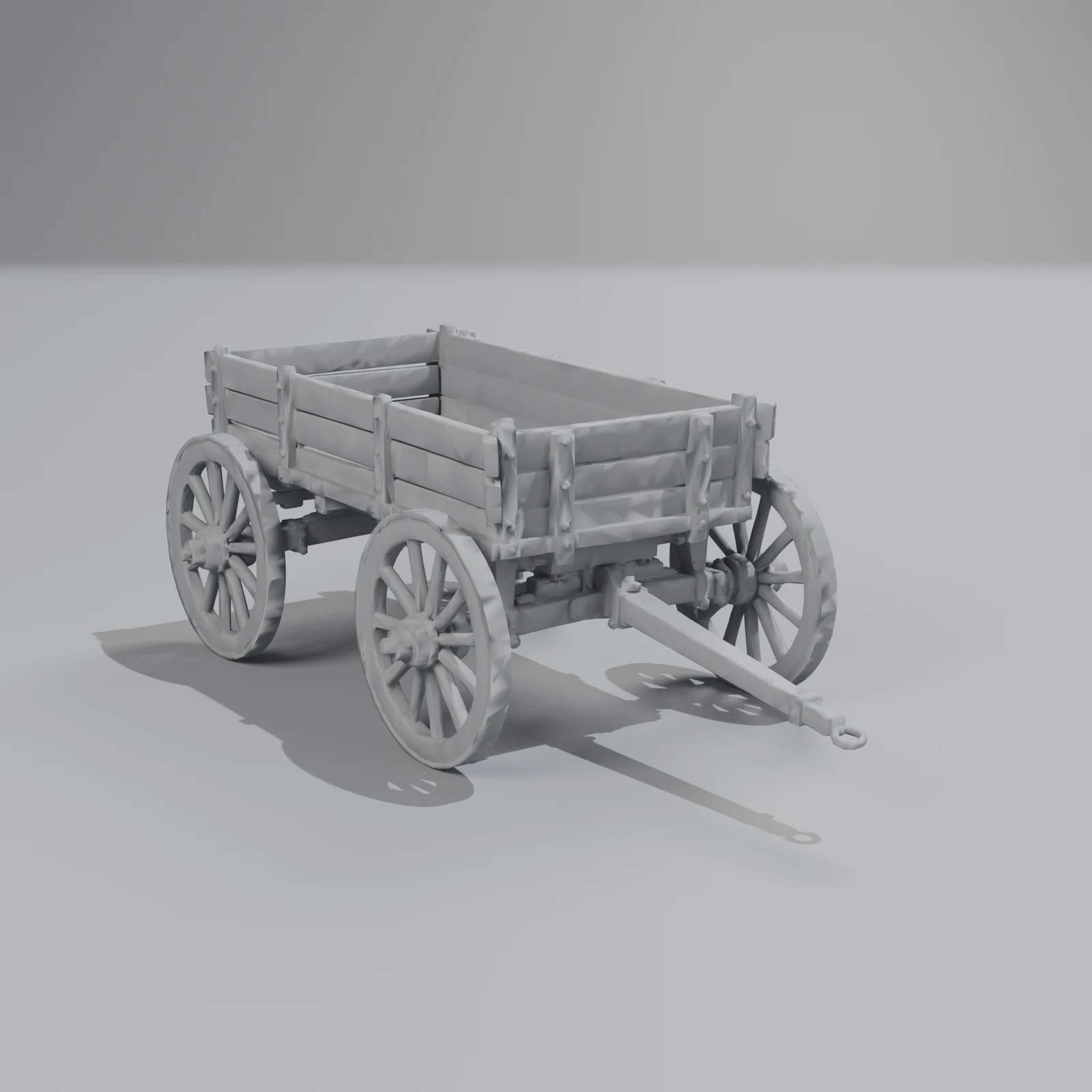
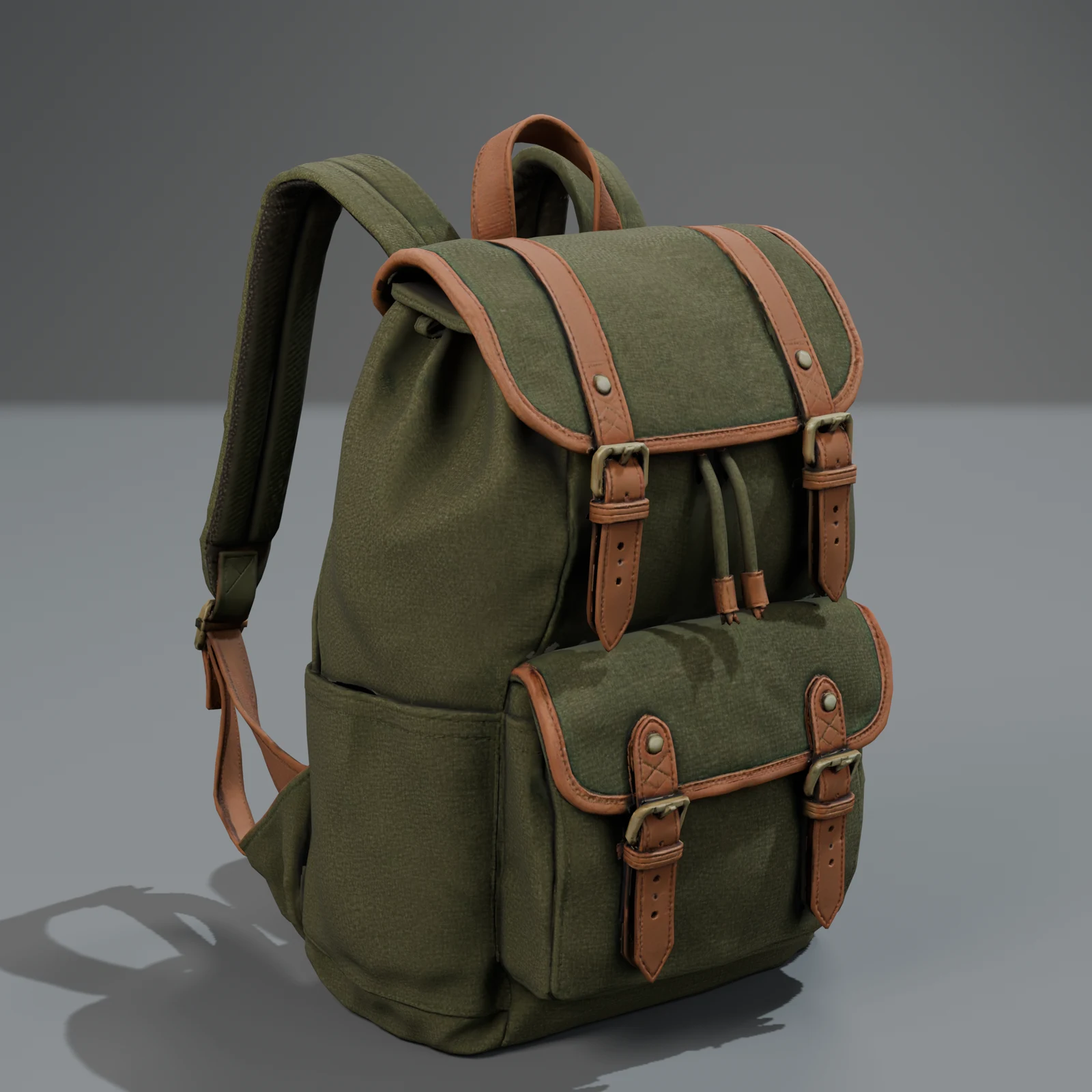
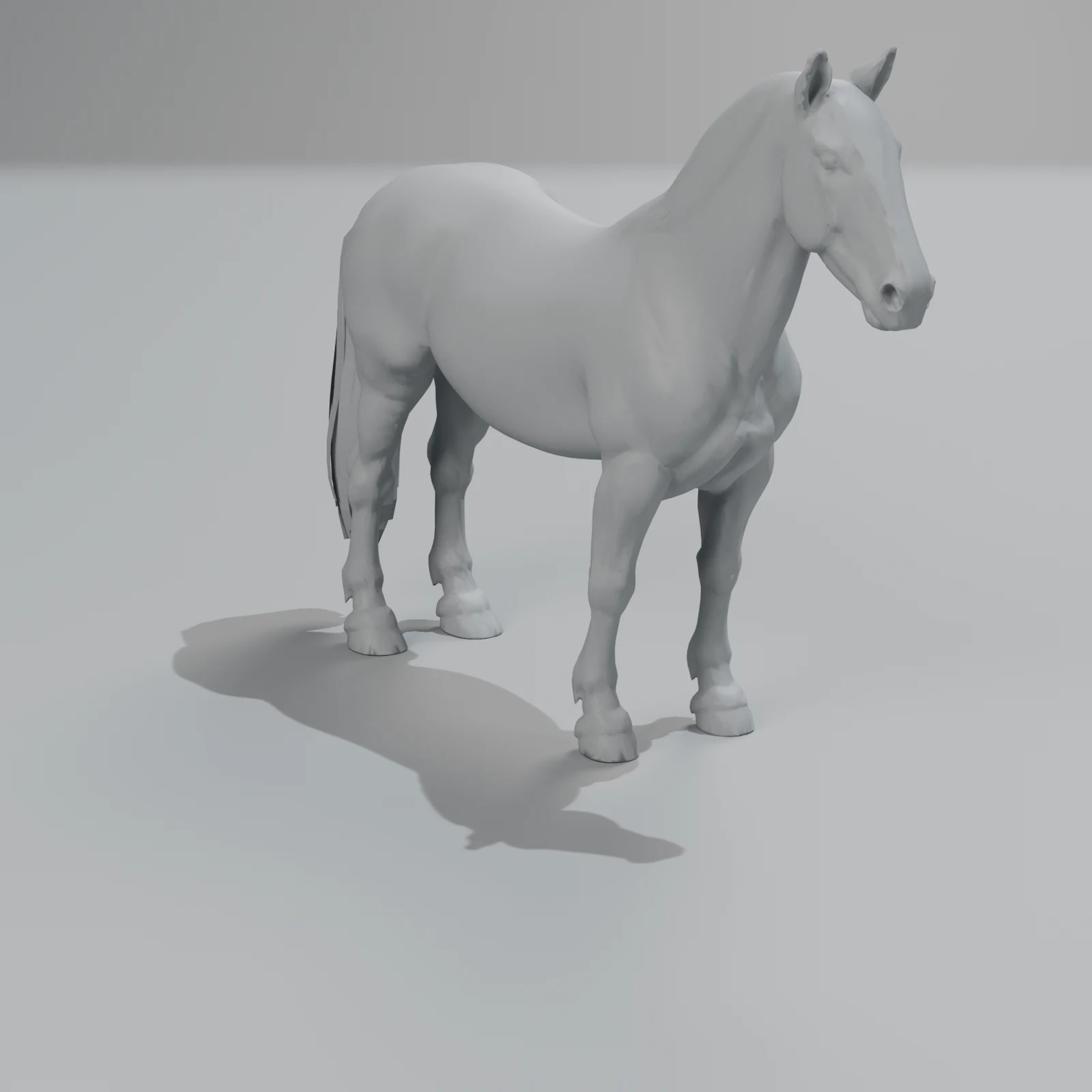
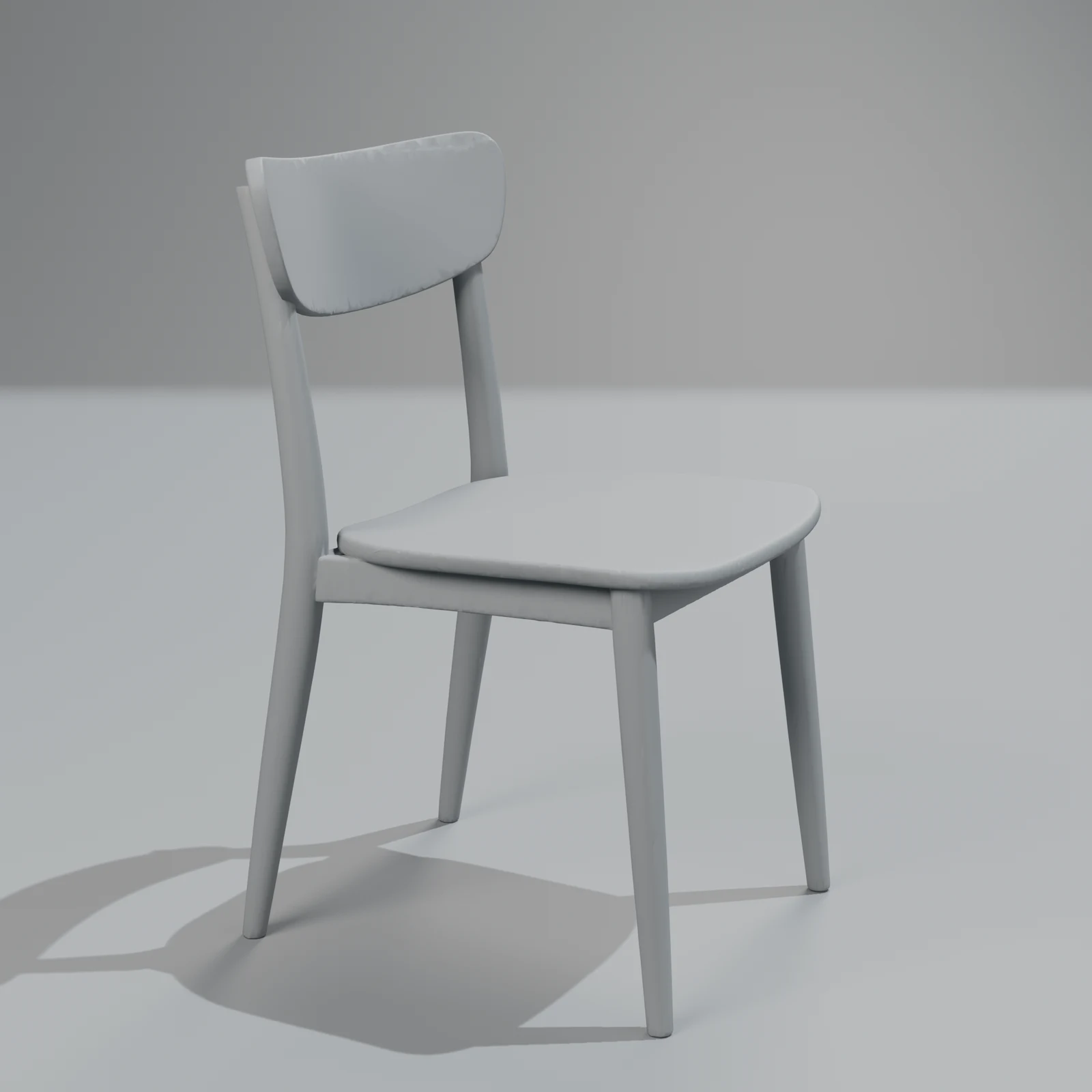
- Look at a result in clay or wireframe before you buy, not only the textured screenshots.
- Check the formats you need (GLB, FBX, USDZ, OBJ, Blend, STL) and whether some are locked to higher plans.
- Check the size and the triangle count of a downloaded file, and whether the model comes at a real-world scale.
- Read the refund policy: what happens when a generation fails or is unusable?
- Find out who is behind the site and where your uploads go, especially if you upload photos of products that are not public yet.
Each point in more detail below.
Licence and privacy (points 1, 2 and 10)
The licence decides whether you can ship what you make. Free tiers commonly come with a Creative Commons licence such as CC BY 4.0 (commercial use allowed, with credit), and some with non-commercial terms. Paid plans usually give you private models and broader rights. Read the terms page, not the pricing page, and check what applies to models made before you upgraded.
If you upload photos, look for a privacy policy that names the company, where data is stored, and whether uploads or outputs are used to train models. A site that wraps someone else's model may pass your upload on to that provider; the policy should say so.
What it costs (points 3, 4 and 5)
Prices are listed as credits, and credits are spent per step: shape, texture, remesh, rig, sometimes export. Add up a whole model, then multiply by the rerolls you expect. For hard objects (vehicles, furniture with thin parts, anything mechanical) you may need several tries.
Subscriptions that reset each month suit steady use. If your use is bursty, prepaid credits that don't expire waste less. Watch for annual billing as the default; it is a common source of refund complaints in reviews.
What you get (points 6, 7 and 8)
Textured screenshots hide a lot. Ask to see:
- clay or wireframe: lumpy, melted or broken shapes show up at once;
- the triangle count: raw output is often a million triangles or more, too heavy for a game or a phone;
- the scale: many generators return objects at an arbitrary size, which matters for games, renders and AR;
- the materials: is there a roughness and metallic map, or one smooth paint?
Our game-ready checklist explains each of these, with numbers.
Failures and refunds (point 9)
Generation fails sometimes: a timeout, a broken mesh, an object that isn't what you asked for. A fair site refunds failed jobs automatically and says what it does with results that finished but are unusable.
How we answer the checklist
So you can compare, here is how Sleipner 3D answers each point, as of 31 October 2026:
| Check | Sleipner 3D |
|---|---|
| Licence | Our terms (under legal review) say you own what you generate. Free library models have their own licence: use them in anything, but don't resell or re-share them as models, claim you made them or train AI on them. |
| Public? | No. Your objects are private to your account. |
| Price per model | Fixed per object: Quick 350 credits, Standard 1,000, a surface change 50 (Quick 200 and Standard 600 at launch, until 2026-12-31). No add-ons: clean-up, materials, renders, moving parts and six formats are included. |
| Rerolls | Each new try is a new object at the same price. Standard makes three versions and picks the best, so you reroll less. |
| Credits | Prepaid packs, from $10 for 1,000 credits. They never expire. No subscription. 600 free at sign-up during the launch (until 2026-12-31), 400 after. |
| Clay and wireframe | Every library model and every object you make has textured, clay and wireframe views. |
| Formats | GLB, glTF, FBX, USDZ, Blend and OBJ on every object. No STL yet. |
| Scale and size | True scale in metres; about 50,000 triangles at standard and a quarter of that at low. |
| Refunds | A failed or cancelled job refunds its credits automatically. |
| Who and where | Sleipner, based in Sweden. We use several AI providers for each step; our privacy policy (a draft under legal review) lists them. |
We cost more per model than a raw generation, because the finishing is included. If you only need a quick mesh to throw away, a raw generator is the better buy; our comparison of generators says when.
Questions
Are AI 3D model websites safe to use?
Most are ordinary software businesses. Check who runs the site, its privacy policy and its refund terms, as you would for any subscription. Be more careful with uploads you don't want public, such as unreleased products.
Why do so many AI 3D sites look the same?
Because many use the same few underlying models, from the companies that build them, and add their own interface, pricing and extras on top. That is why the checklist focuses on terms and output rather than on the model's name.
Is a free AI 3D generator good enough?
For trying ideas, often yes. For something you will ship, check the licence of the free tier first; it may require credit or forbid commercial use.
Can I check a model's quality before paying?
Look for a free try, a public gallery with clay or wireframe views, or downloadable samples. Our free library is there for exactly that: download a finished model and test it in your own tools.