What "game-ready" actually means for a 3D model
Clean geometry, a triangle budget, good UVs, PBR materials, real scale, LODs and the right format. A plain checklist you can run on any model in ten minutes.
"Game-ready" is on almost every asset store page and every AI 3D tool. It has no official definition, so it can mean anything from "it opens in Unity" to "a senior artist would ship it". This post breaks it into checks you can do yourself in about ten minutes, on any model from anywhere: a marketplace, a free library, an AI generator or us. The numbers are the ones we use for the models in the Sleipner library.
1. Clean geometry
Open the model with the textures off. Most problems hide behind a good texture.
- No loose bits. Small floating pieces, often inside the model, are common in AI-made meshes. They cost triangles, cast odd shadows and break physics.
- No holes. Edges that belong to only one face ("open edges") show up as gaps or flickering in the engine.
- No inside-out faces. Flipped normals make a surface look black or invisible from one side.
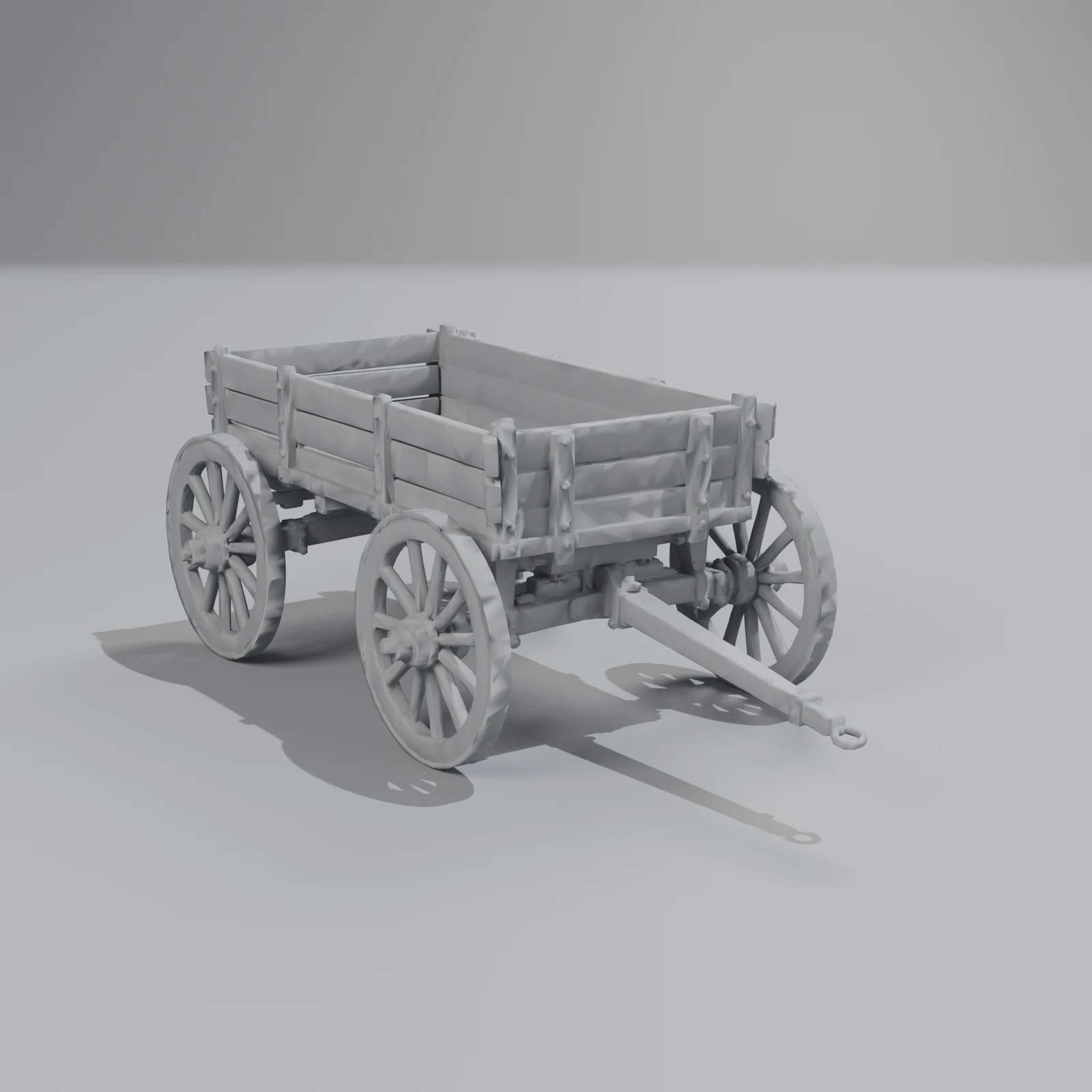
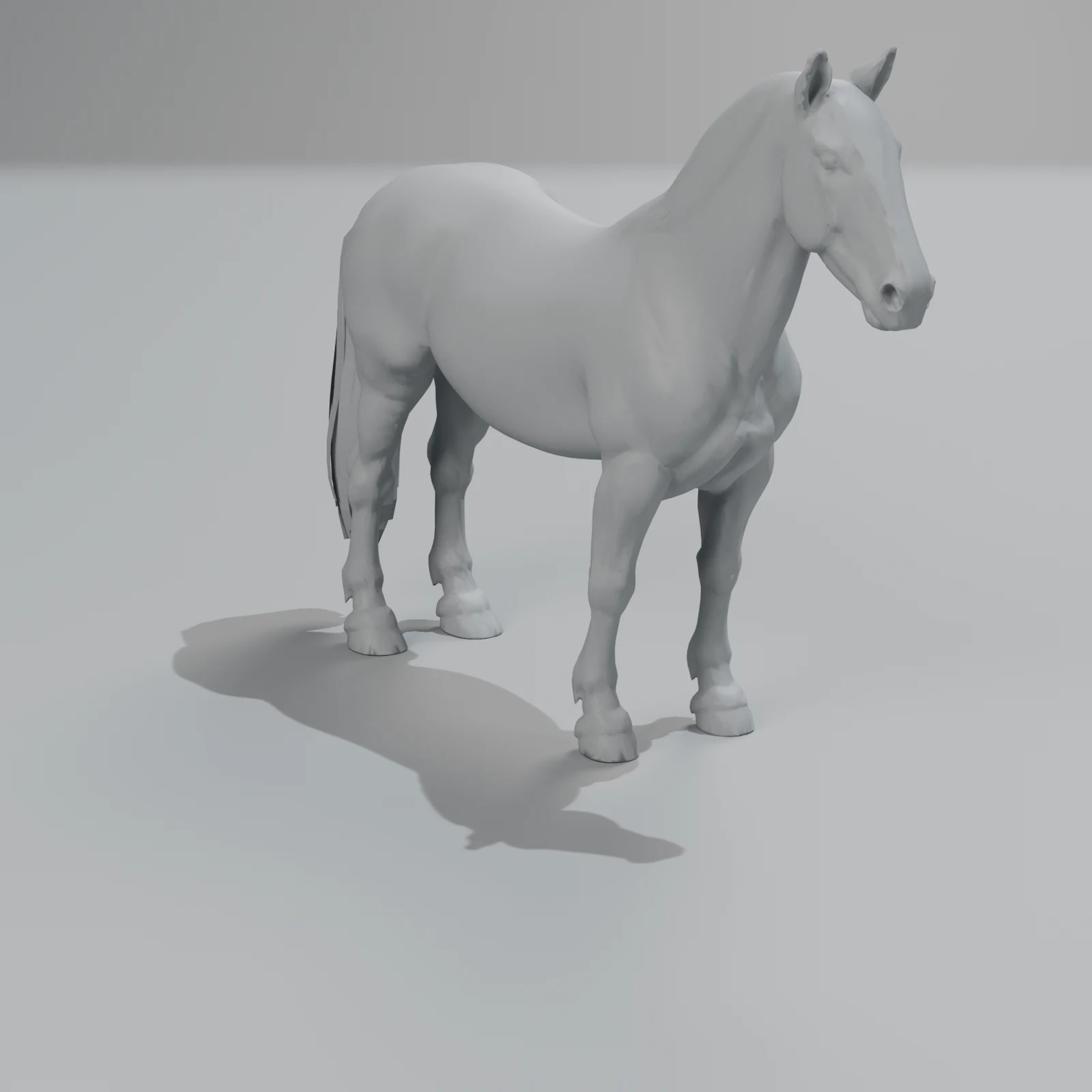
- Shape that reads in clay. A clay render (one grey material, no textures) shows lumpy, melted or wavy surfaces that the colour hides. Our library pages have a clay mode for exactly this.
2. A triangle budget that fits the job
A triangle count is only good or bad for a role. A rough guide for real-time use:
| Role | Triangles (rough guide) |
|---|---|
| Small background prop | a few hundred to a few thousand |
| Hero prop or furniture you walk past | 10,000 to 50,000 |
| Vehicle or large animal, close to the camera | 30,000 to 100,000 |
| Mobile AR (Android Scene Viewer) | under 100,000, 30,000 to 50,000 ideal |
| Raw output of an AI 3D generator | often 1 to 2 million |
The AR line is Google's Scene Viewer guidance; the rest is a rule of thumb, and your engine, platform and camera decide the real number.
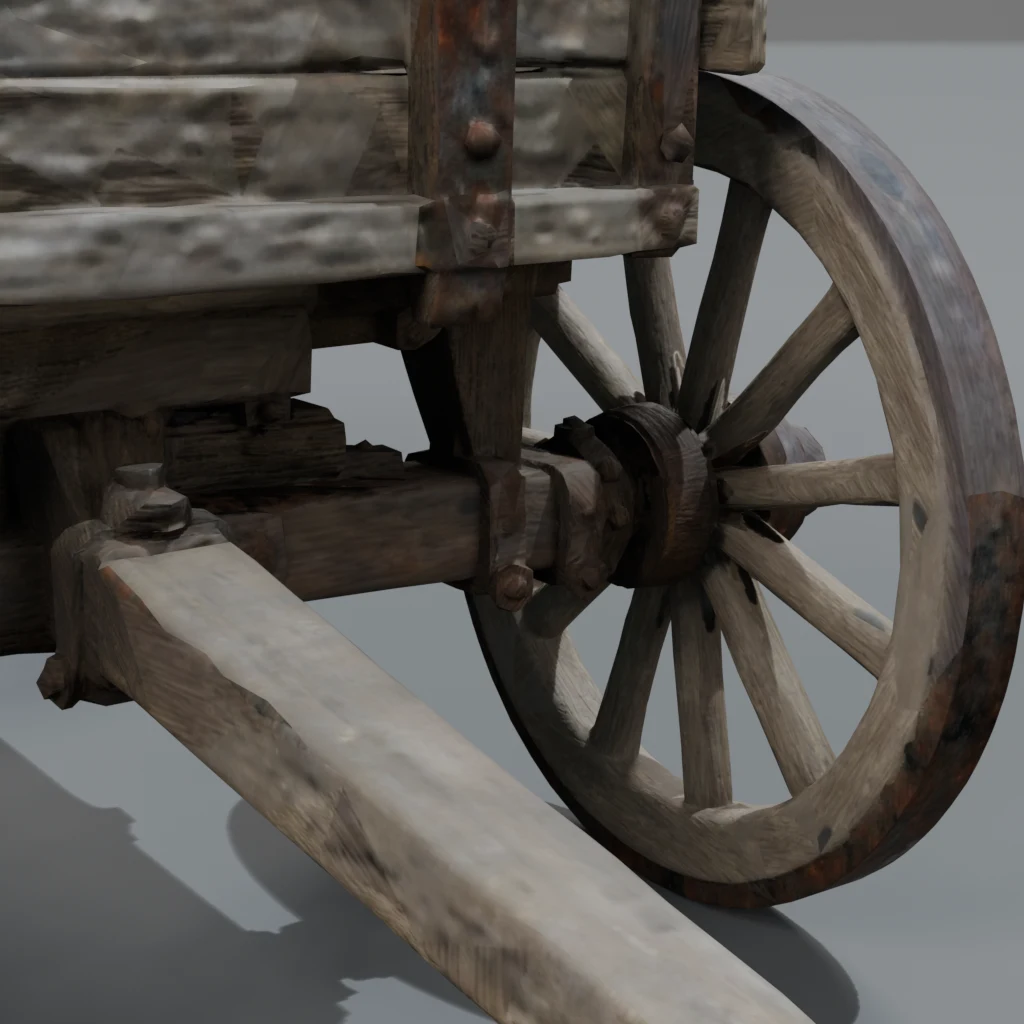
For comparison, the farm wagon in our library has about 50,500 triangles at standard detail, 12,600 at low and 1.9 million in its raw form. The raw form is useful for close-up renders and baking, not for a game.
Quads or triangles? Engines draw triangles, so for a static prop it doesn't matter. Clean quad topology matters when you want to subdivide or sculpt a model, or when it bends (a character's elbow). AI-made meshes, ours included, are optimised triangle meshes, not hand-built quad topology. If you need quads, plan to retopologise.
3. UVs and texel density
UVs map the flat texture onto the 3D surface. Check that:
- the UV islands don't overlap (unless parts are mirrored on purpose);
- the texture is used well, not a few small islands in a big empty image;
- the texel density (texture pixels per metre) is about the same everywhere, so no part looks blurry next to a sharp one.
When the Sleipner studio makes several versions of a model, its automatic review measures UV fill and texel density before it picks one, and a person reviews every library model after that.
4. PBR materials
Physically based rendering (PBR) materials look right under any light. The usual set:
- Base colour: the colour of the surface, with no light or shadow painted in.
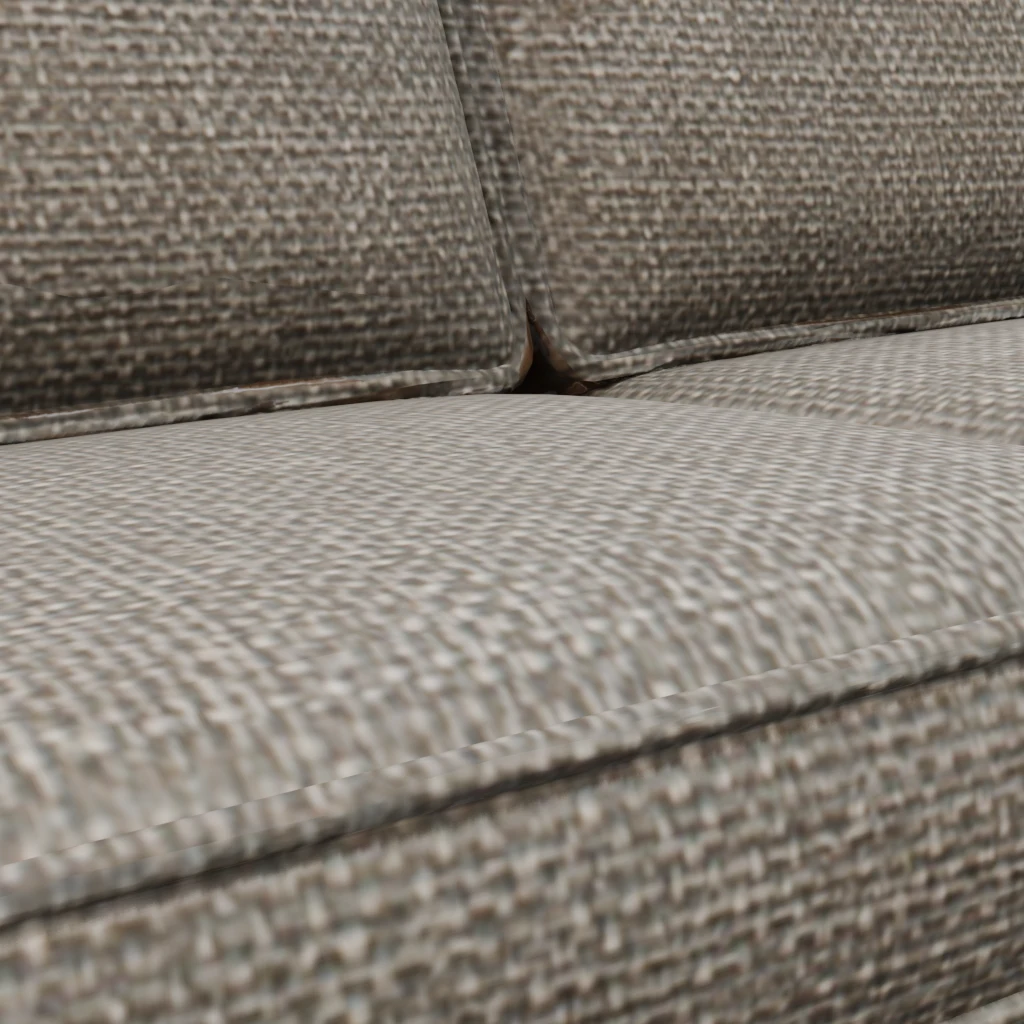
- Normal map: small surface detail, such as wood grain, stitching or dents, without extra triangles.
- Roughness and metallic: how shiny the surface is, and whether it is metal.
- Ambient occlusion: soft contact shadows in cracks. glTF packs it with roughness and metallic in one image (occlusion in red, roughness in green, metallic in blue).
A quick test: light the model from a different side than in the store's screenshots. If a shadow stays where it was, it is painted into the base colour, and the model will look wrong in your scene.
5. Real scale and a sensible origin
- Units: glTF and GLB are in metres with Y up. FBX and Blender often use other units or Z up, and importers convert. A chair that arrives 100 times too big usually means a unit mix-up.
- True size: a dining chair seat is about 45 cm high, a door about 2 m. If a model is the wrong size, every physics, lighting and AR setting around it goes wrong too.
- Origin at the base: the pivot should sit on the floor under the object, so it drops onto the ground and rotates around its own centre.
Every library model is built at true scale in metres, with its base on the ground. The page lists its size: the draft horse is 2.01 m to the ears and 2.8 m long.
6. Levels of detail (LODs)
An LOD is a simpler copy of the model for when it is far away. Engines swap between them by distance (Unity's LOD Group, for example). Our library offers each model at up to three levels:
- standard: the finished model, about 50,000 triangles for most;
- low: a quarter of the triangles and textures up to 1024 px, with the same rig, UVs and clips;
- high (some models only): the raw generator mesh, for renders, with no rig or animation.
Objects you make on Sleipner come at standard and low.
Low is made by automatic simplification, not by hand. It is good for distance and mobile. Check it up close before you use it as the main model.
7. The right format
| Format | What it is good for |
|---|---|
| GLB | One file with the mesh, textures and animation. Godot, the web, three.js, Android AR, Shopify. |
| glTF | The same as GLB, as separate files you can edit. |
| FBX | Unity and Unreal. Each animation clip is its own take. |
| USDZ | Apple AR Quick Look on iPhone and iPad. Our USDZ files hold one animation clip. |
| Blend | Blender, with the textures packed inside. |
| OBJ | Old tools and 3D printing prep. Static: no rig, no animation. |
8. If it moves: rig and clips
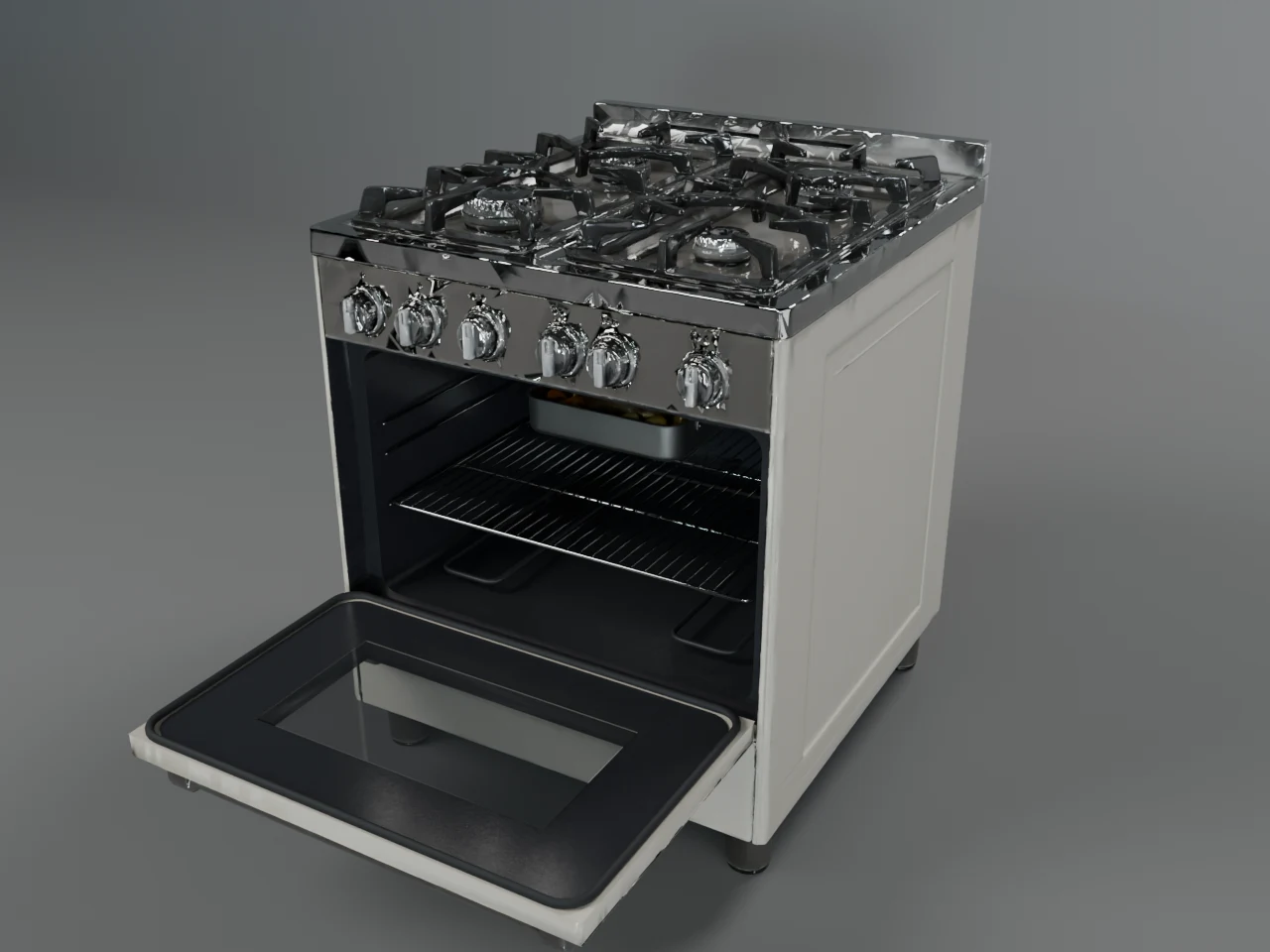
A rigged model has a skeleton (for animals and characters) or separate parts with hinges (doors, lids, drawers, wheels). Check that the clips have clear names, that they loop where they should, and that moving parts turn around the right point. The 1950s range oven in our library is a good test: the door opens and the tray slides out, each as its own clip.
9. Collision
Engines use a simple shape, not the visual mesh, for physics. Some store assets ship with a collision mesh. Our library files don't include one today. A box or a convex hull made by your engine on import is usually enough for a prop.
The ten-minute checklist
- Turn textures off. Look for floating bits, holes and lumpy surfaces.
- Check the triangle count against the job the model has to do.
- Look at the UVs: no overlaps, no wasted space, even sharpness.
- Move the light. Shadows painted into the colour will not move.
- Check the size in metres and where the origin is.
- Find out what LODs you get, or plan to make them.
- Pick the format your tool reads best.
- Play every clip and open every door.
- Add collision.
Every model in the Sleipner library is checked against points 1 to 8, and the viewer on each page lets you check it yourself in textured, clay and wireframe mode before you download.
Questions
Is "game-ready" the same as "low poly"?
No. Low poly is one style and one budget. A game-ready model fits the budget of its role, which for a hero prop on PC can be 50,000 triangles. What makes it game-ready is that it is clean, light enough for its job, textured with PBR maps, at true scale and in a format your engine reads.
Are AI-generated 3D models game-ready?
Raw output usually isn't yet: it is often a million triangles or more, one fused piece, with no real size. It can be made game-ready with clean-up, retopology or decimation, a texture bake and scaling, by hand or by a pipeline. Our comparison of AI 3D generators goes through what each step adds.
Do I need quad topology for a game?
Not for static props: engines draw triangles. Quads matter when you will sculpt or subdivide a model, or when it bends, like a character's elbow. AI-made meshes, ours included, are optimised triangle meshes.
What is a good texture size?
It depends on how big the object is on screen. 2048 px is common for a hero prop, 1024 px for most props and anything seen at a distance. Our standard files use textures up to 2048 px, and the low level at most 1024 px.
Where can I check a model before I buy or download it?
Ask for a clay and wireframe view. Many marketplaces show wireframe screenshots; our model pages have a live viewer with textured, clay and wireframe modes for every model.