3D furniture for interior renders: true scale, real materials and what to check
What makes a furniture model work in an interior or archviz render, how to use free true-scale models in Blender and other renderers, and where their limits are.
An interior render lives or dies on its furniture. The room can be perfect, but a sofa at 90 % of its real size, a chair with plastic-looking wood or a lamp with painted-on shadows gives it away at once. This post covers what a furniture model needs for interior and architectural visualisation, how to use the free models in our library for it, and where their limits are, so you know when to reach for something else.
What a furniture model needs for a render
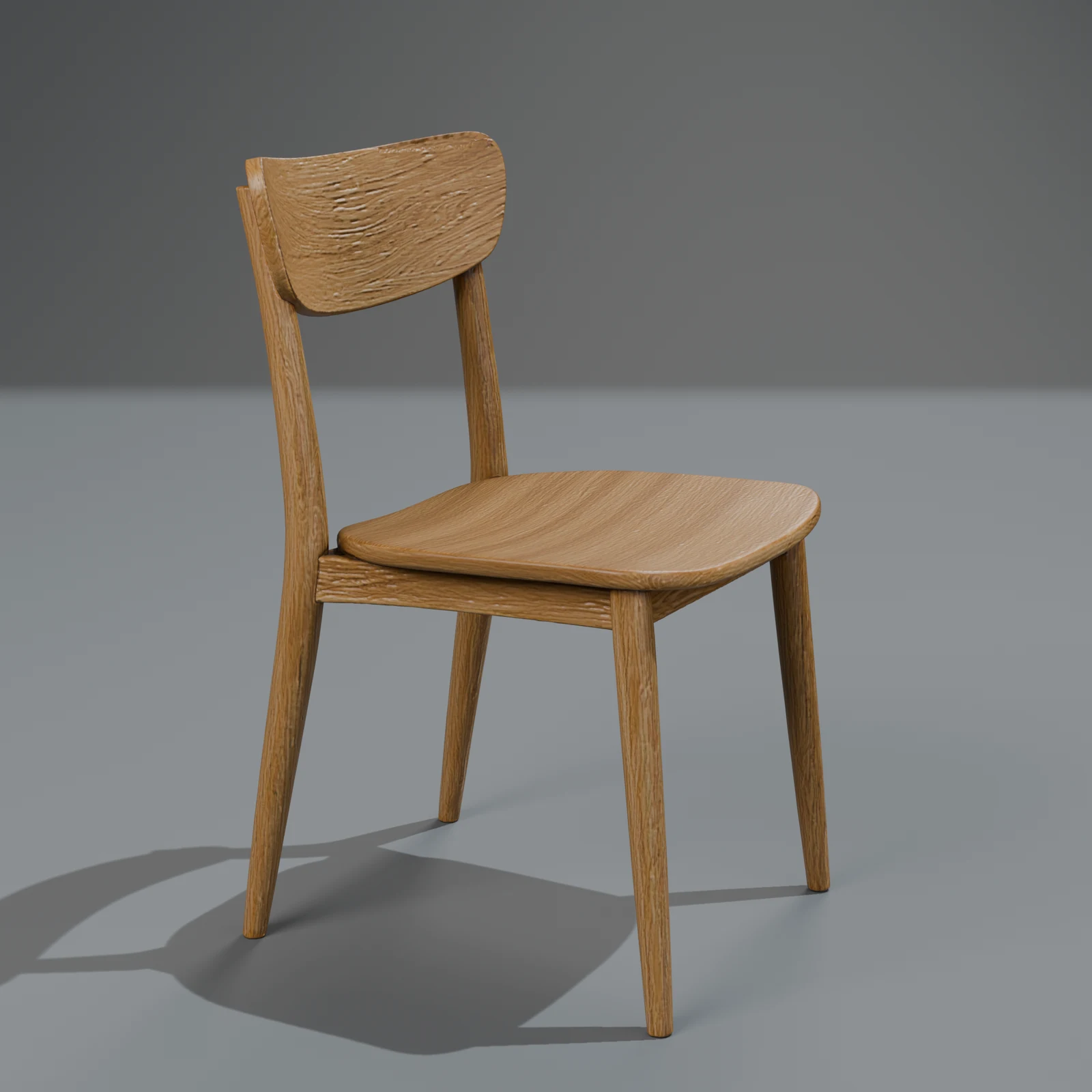
- True scale. Seat heights, table heights and depths that match real furniture, so the room's proportions hold and the camera's focal length behaves. A dining chair seat sits about 45 cm high; a sofa is about 85 to 95 cm deep.
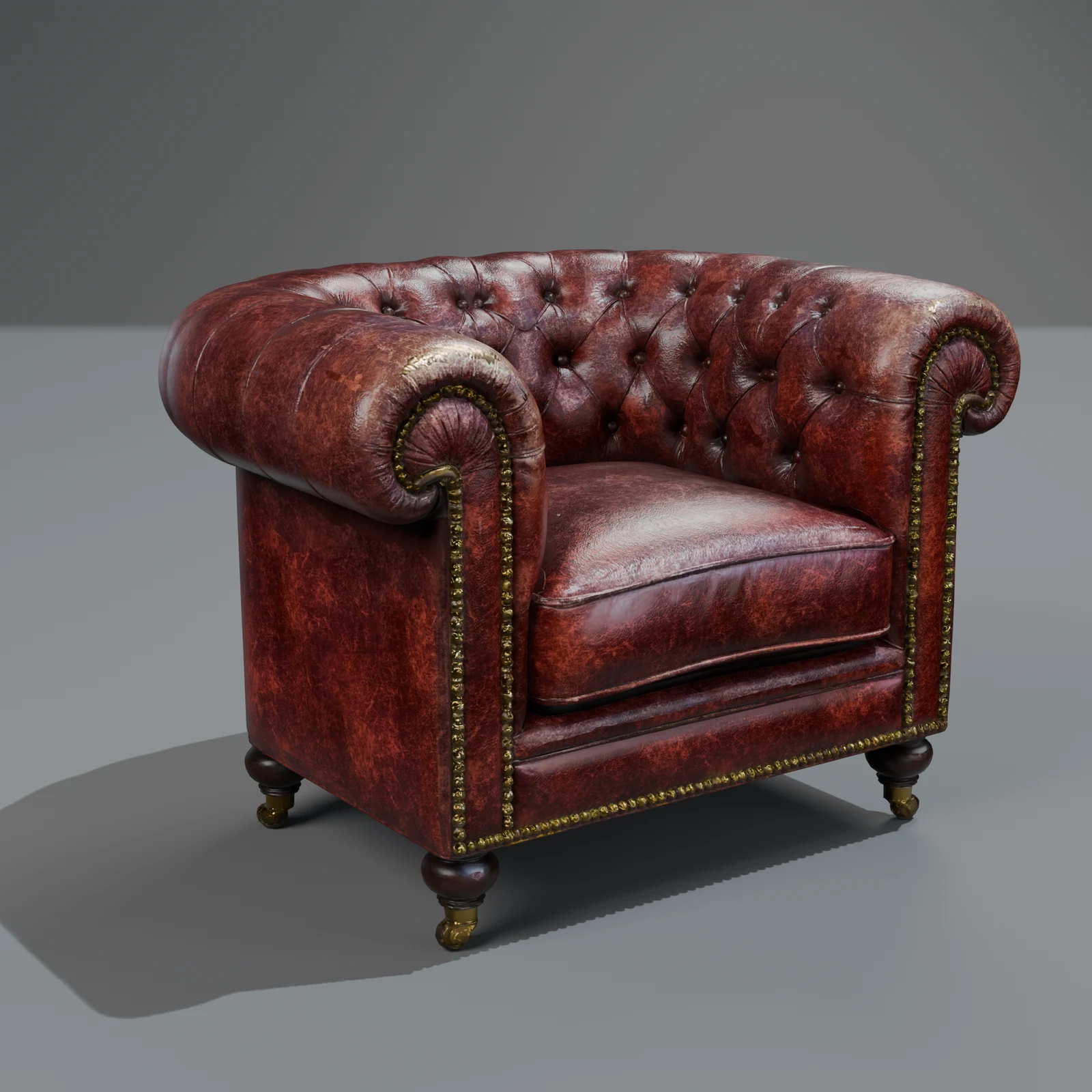
- PBR materials. A base colour with no baked light, plus roughness, metallic and normal maps. Without them, oiled oak, leather and linen all render as the same satin plastic.
- Detail where the camera goes. Fabric weave, wood grain and stitching come from the normal map; edges and silhouettes from the mesh.
- Clean placement. The origin at the base, the model resting on the ground, so it snaps to the floor.
- A consistent set. Pieces from the same era, palette and level of detail. Mixing a scanned chair with a game-art table is the most common way an interior looks "off".
Using our free models
Two of our packs are made for rooms:
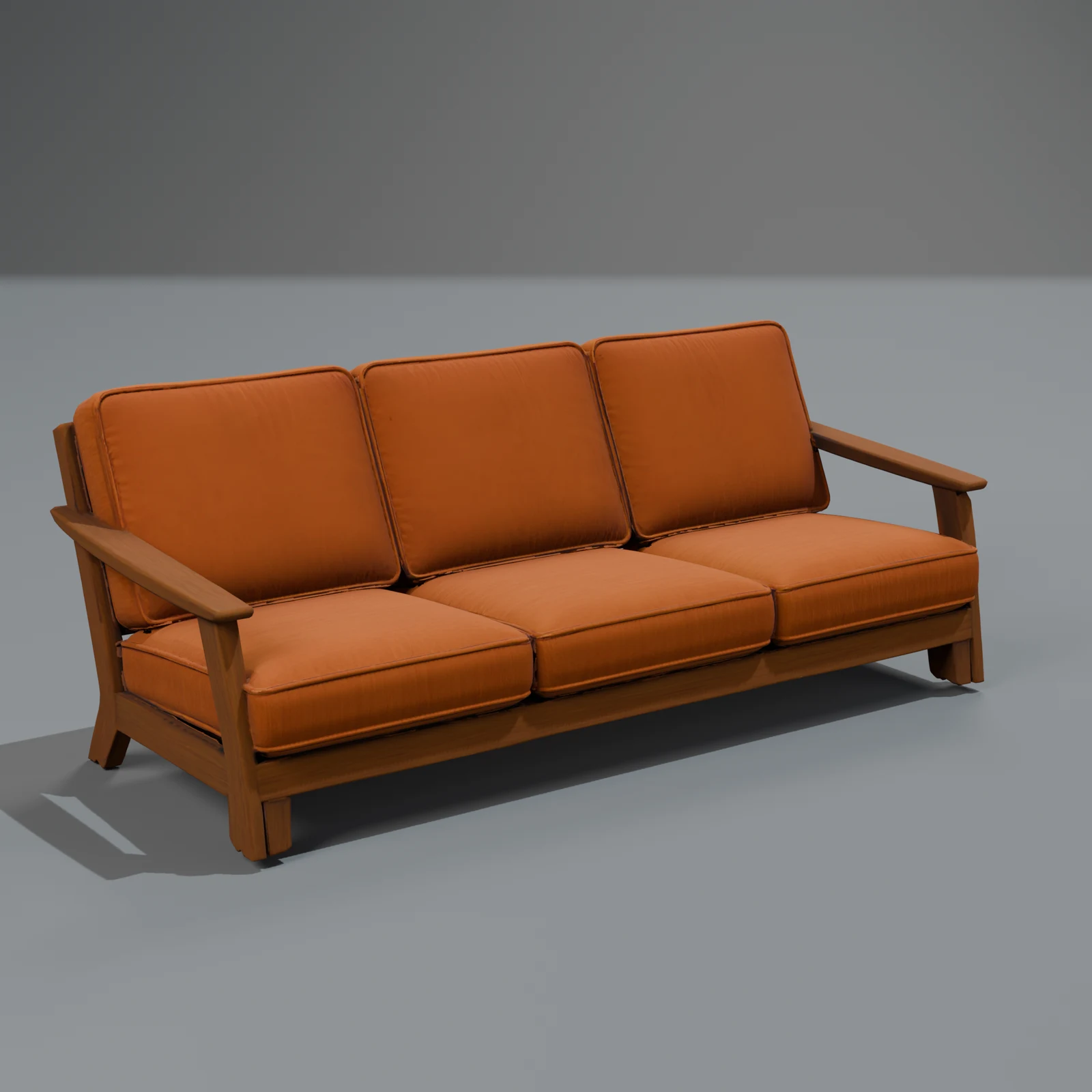
- Modern Home & Products: a linen sofa, oak and walnut chairs, side tables, wall shelves, ceramic, pendant and tripod lamps, stoneware vases. 25 models, many in several finishes.
- Mid-Century Home: 1950s to 1970s sofas, a pod chair, a walnut sideboard, a Chesterfield armchair, radios, a television, lamps and a kitchen. 29 models.
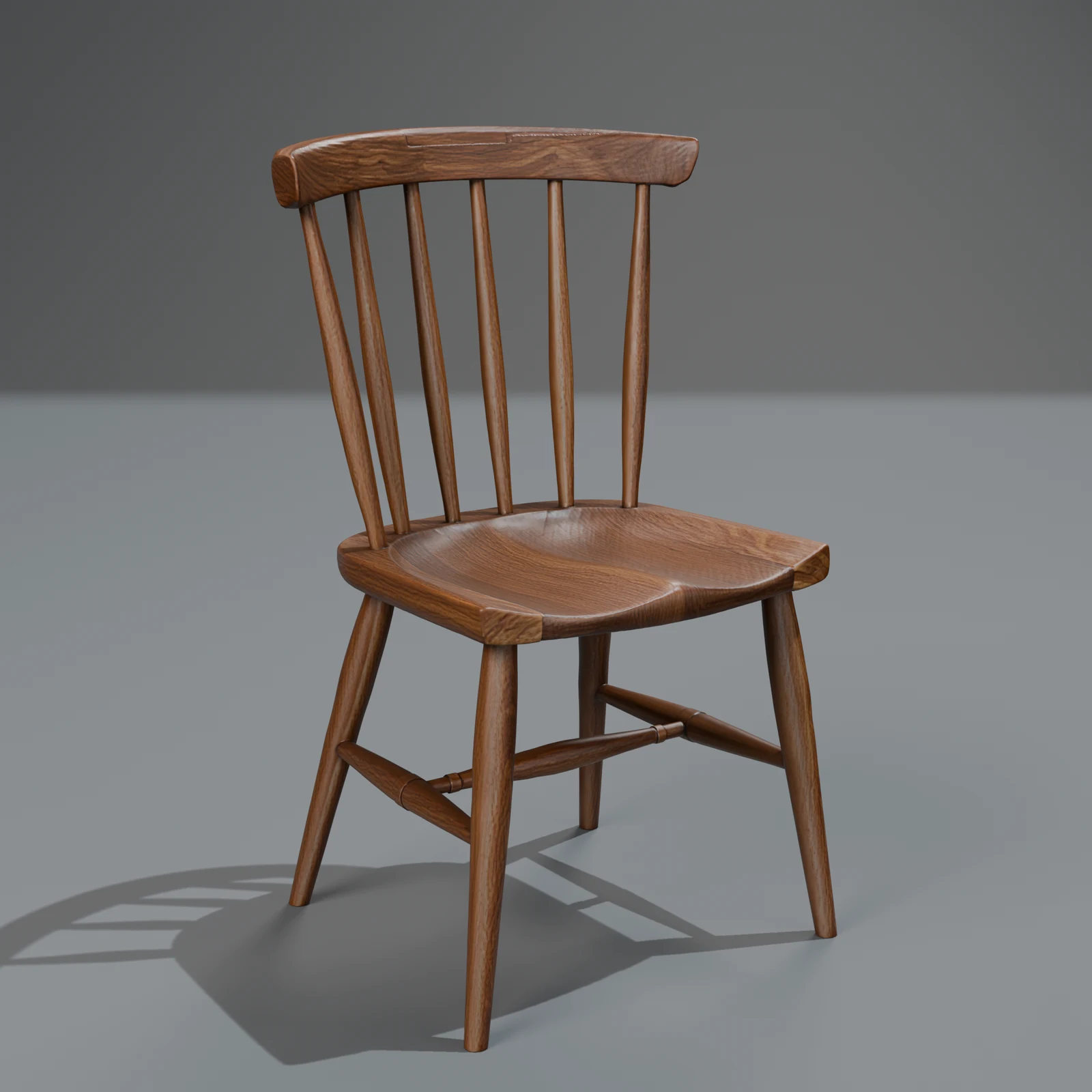
Every model is in metres with its base on the ground, so you can drop them into a room built to real dimensions. The oak dining chair is 76 cm tall, the linen sofa 1.93 m wide and 0.9 m deep, the walnut sideboard 1.60 m wide.
In Blender
Download the Blend file: the textures are packed inside, so it opens with its materials. Append the objects into your scene (File → Append), or link them if you will reuse them across shots. The materials are standard Principled BSDF set-ups fed by the PBR maps, so Cycles and EEVEE both read them.
In other renderers
Use FBX or glTF for 3ds Max, Cinema 4D, Unreal and most others; glTF keeps the PBR maps in a standard layout (occlusion, roughness and metallic packed in one image). USDZ works for Apple tools and AR previews.
Where the limits are
Honest notes, so you can plan:
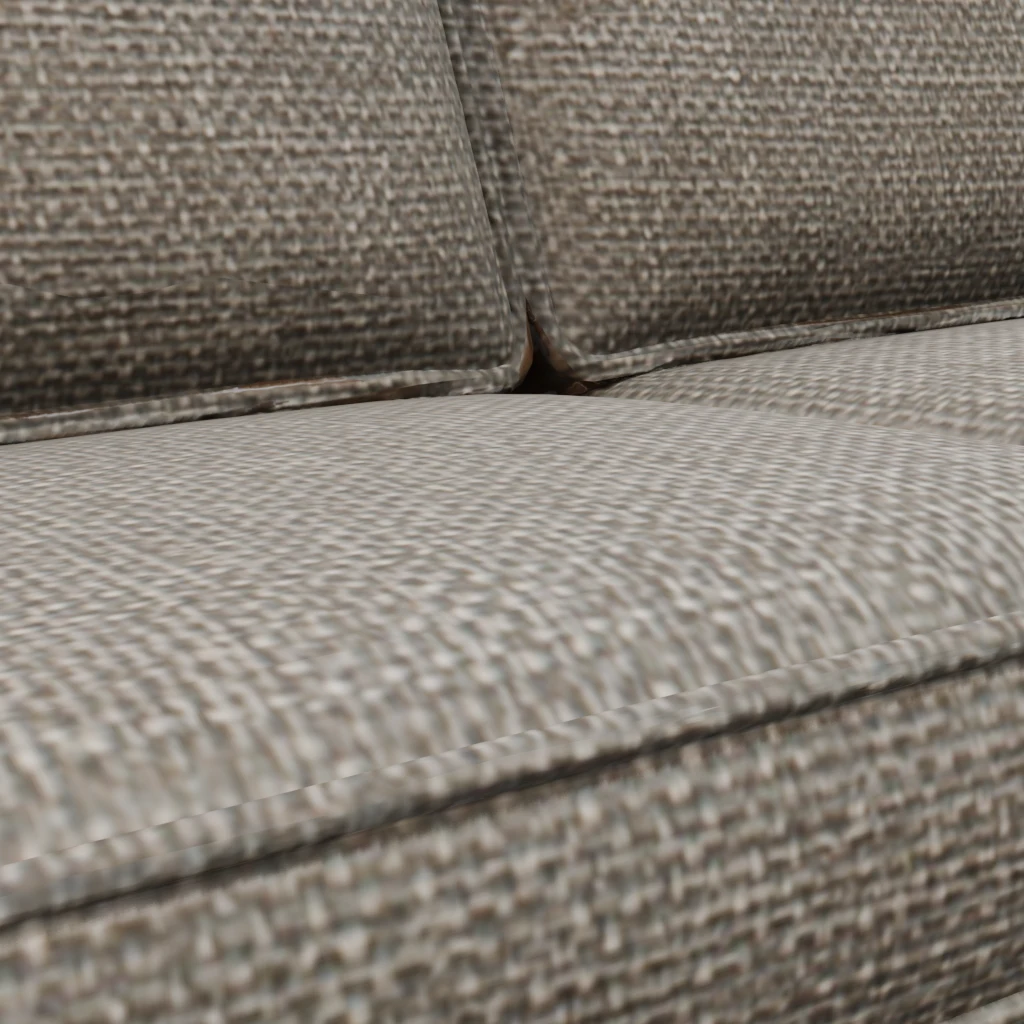
- Texture resolution. Our standard files use textures up to 2048 px. That holds for room shots and medium close-ups. A macro shot of a single cushion seam may need more.
- Triangle meshes, not quads. The models are optimised triangle meshes of about 50,000 to 100,000 triangles. Don't add a subdivision modifier; it will soften the shape rather than refine it.
- Fabric is a surface, not a simulation. Cushions are modelled in their resting shape. You can't drape or compress them.
- Lamps are models, not lights. Put a light inside each shade.
- No glass in most furniture. Where an object has glass, such as the brass ship lantern, it is made see-through, but check the result in your renderer's settings for transmission.
When you need a piece that isn't there
Describe it on the Make page: "a low oak coffee table with a woven cane shelf". Standard (1,000 credits; 600 at launch, until 2026-12-31) makes three versions and keeps the best, which is the right tier for anything that will be in a client render. Need the same chair in your client's fabric? A surface-only change ("make the seat dark green bouclé") keeps the exact shape and costs 50 credits (how edits work).
A real product that must match its photos and measurements, for example a manufacturer's sofa, is a different job; photo-accurate product models are planned.
Questions
Can I use the free models in client work?
Yes. The library licence allows commercial use, client work included, with no credit needed, and your client may use the models in the work you deliver. It has three rules: don't resell or re-share the models as models, don't claim you made them, and don't train AI on them.
Do the models work in V-Ray or Corona?
Use the FBX. The PBR maps come with it; you may need to rebuild the materials with your renderer's own material type, as with any PBR asset.
Are the models accurate copies of real designer furniture?
No. They are designs in the style of an era or a modern look, unbranded, not replicas of a specific product. Accurate models of a real product are made from its photos and measurements, which is planned.
Is there a high-poly version?
For a few early models, such as the linen sofa, a "high" download is the raw generator mesh of about a million triangles, with its textures and no rig. Most pack models come at standard and low only.