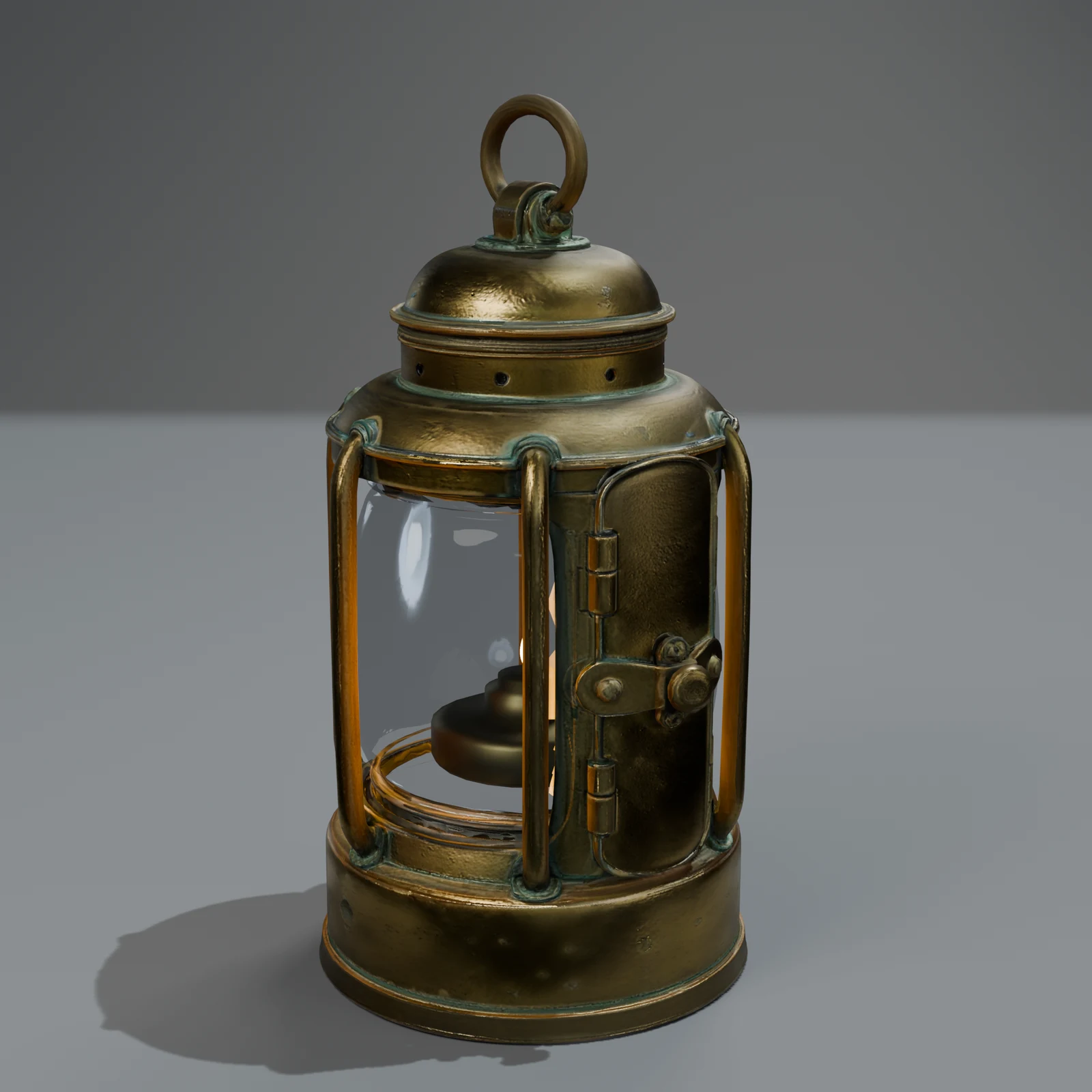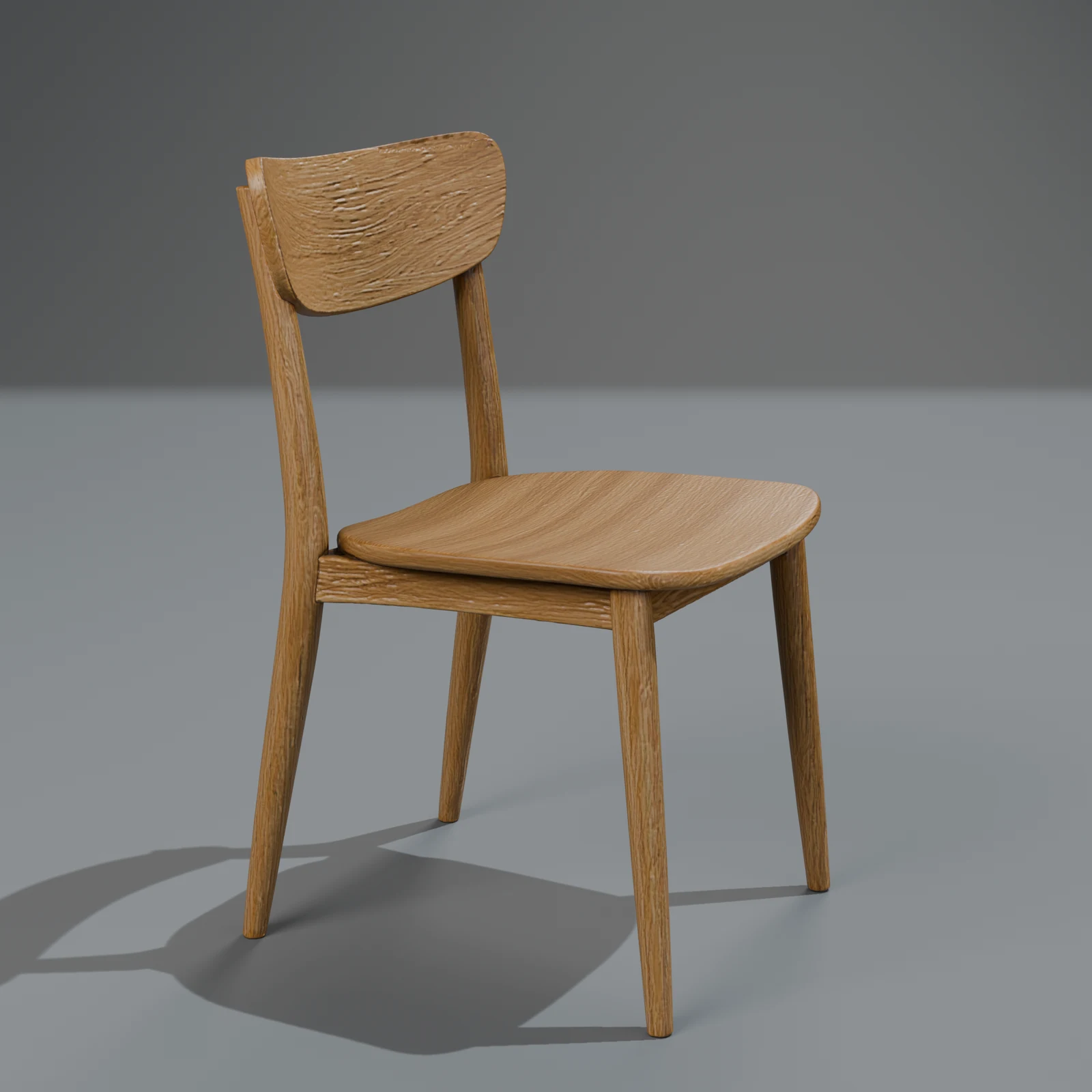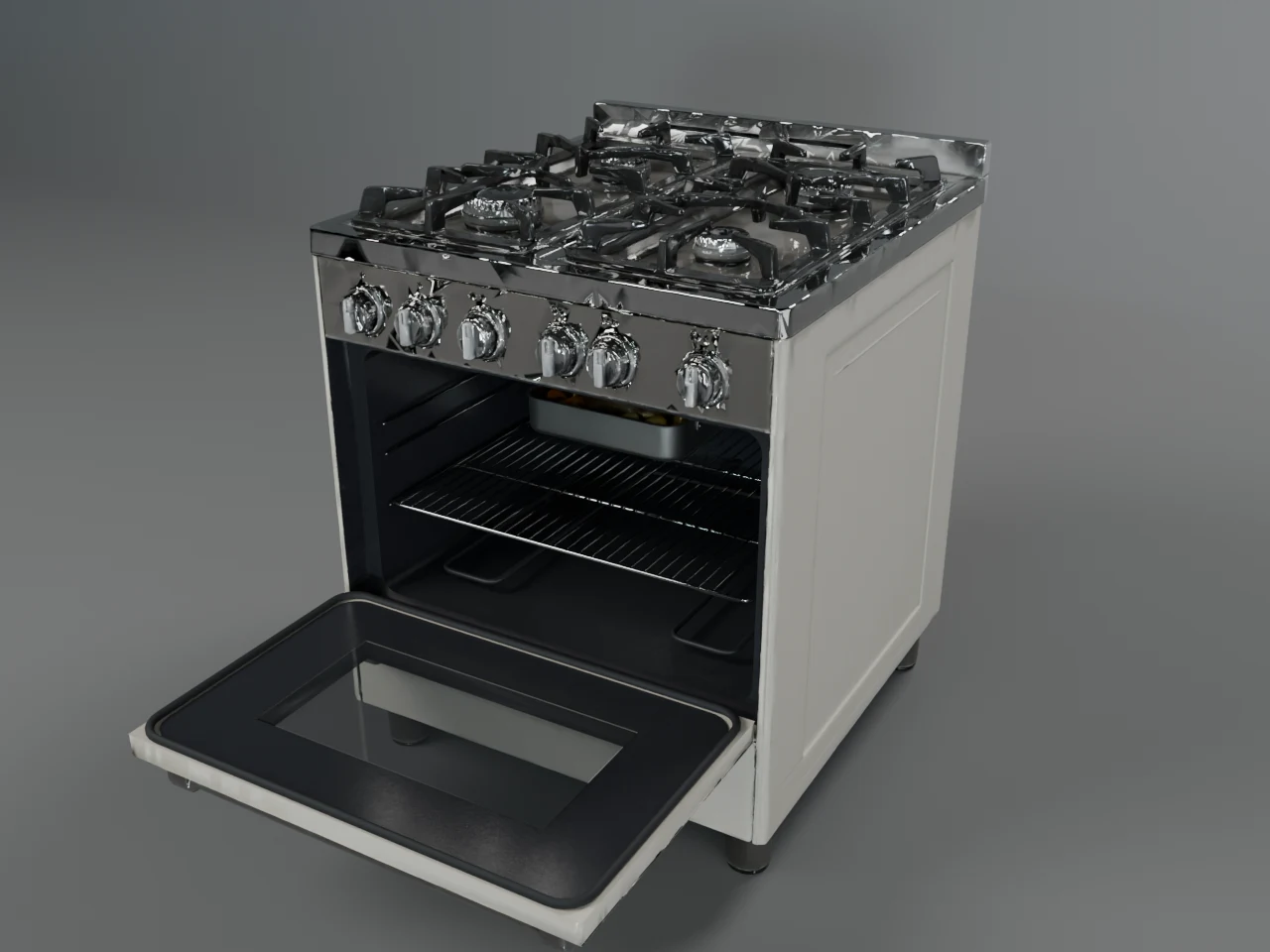
Change a 3D model's colour or material with words, and keep the exact shape
"Make it mustard", "make it leather", "make it look old": how surface-only edits repaint a 3D model without touching its mesh, what they cost, and when a change rebuilds.
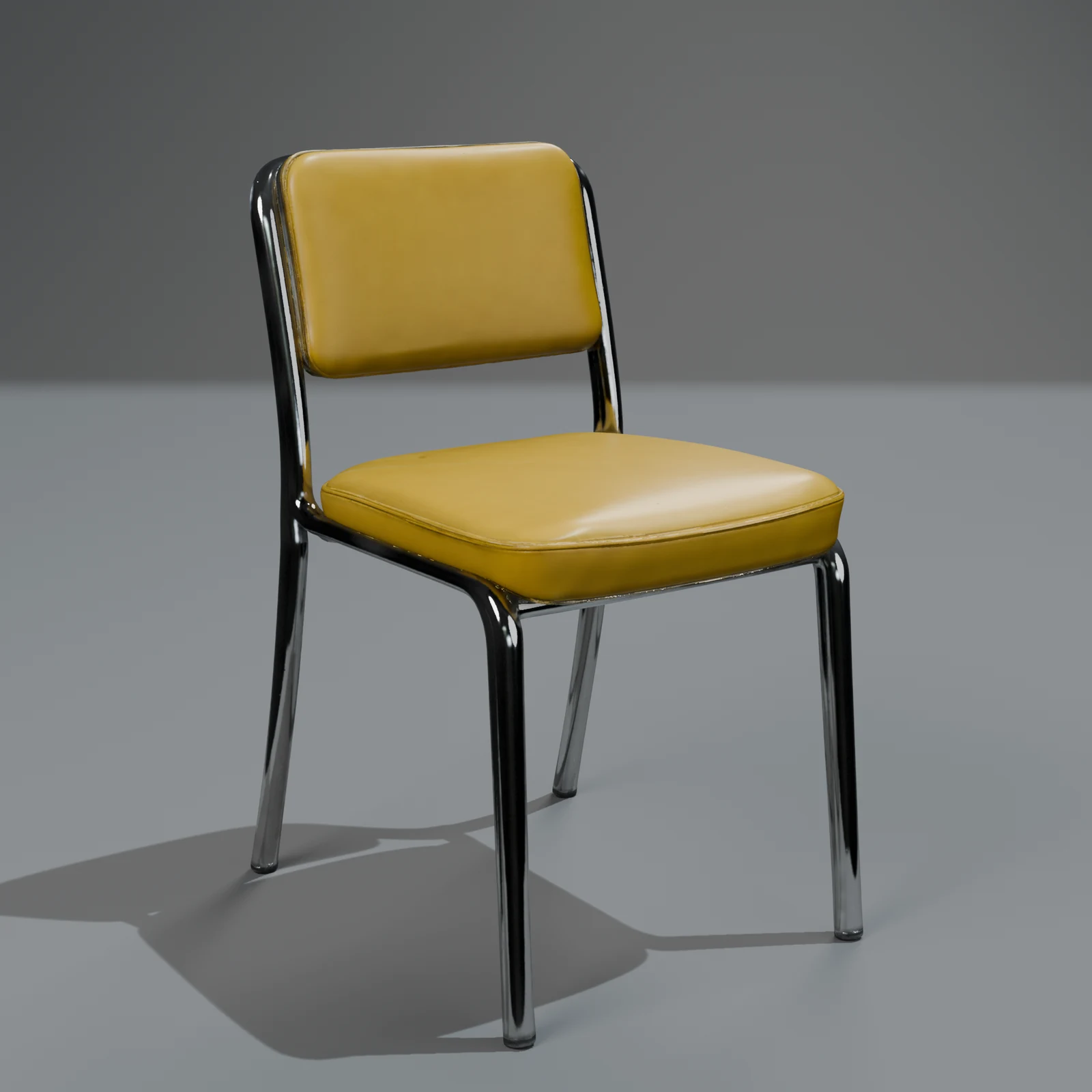
Most changes people want after they get a 3D model are about the surface: the sofa in another fabric, the lamp in black, the chair a little more worn. Remaking the whole model for that is slow, costs a new model's price and risks a different shape. So Sleipner treats those changes differently: it repaints the model you have and leaves the mesh exactly as it was. This post explains how that works, what it costs and when a change does need a new shape.
What changes keep the shape
When you ask for a change, a language model first reads it and decides which kind it is:
| Kind | Example | What happens | The shape |
|---|---|---|---|
| Colour | "make it dark green" | the named parts move to the new colour, keeping their shading and weave | exactly the same |
| Material | "make it leather", "metal legs", "painted white" | a real material (a photographed texture set, or measured values for metals and paint) is laid onto the named parts at real scale | exactly the same |
| Wear | "make it look older" | grime in the crevices, faded colour, worn edges, a rougher surface | exactly the same |
| Restyle | "make it cartoony" | the picture is redrawn in the new style and the mesh is repainted from it | exactly the same |
| Shape | "add a handle", "longer legs" | a new concept and a new mesh | new |
The first three cost 50 credits. Restyle and shape changes cost the Quick or Standard price (350 for Quick, 1,000 for Standard; 200 and 600 at launch, until 2026-12-31), because they need the expensive steps again.
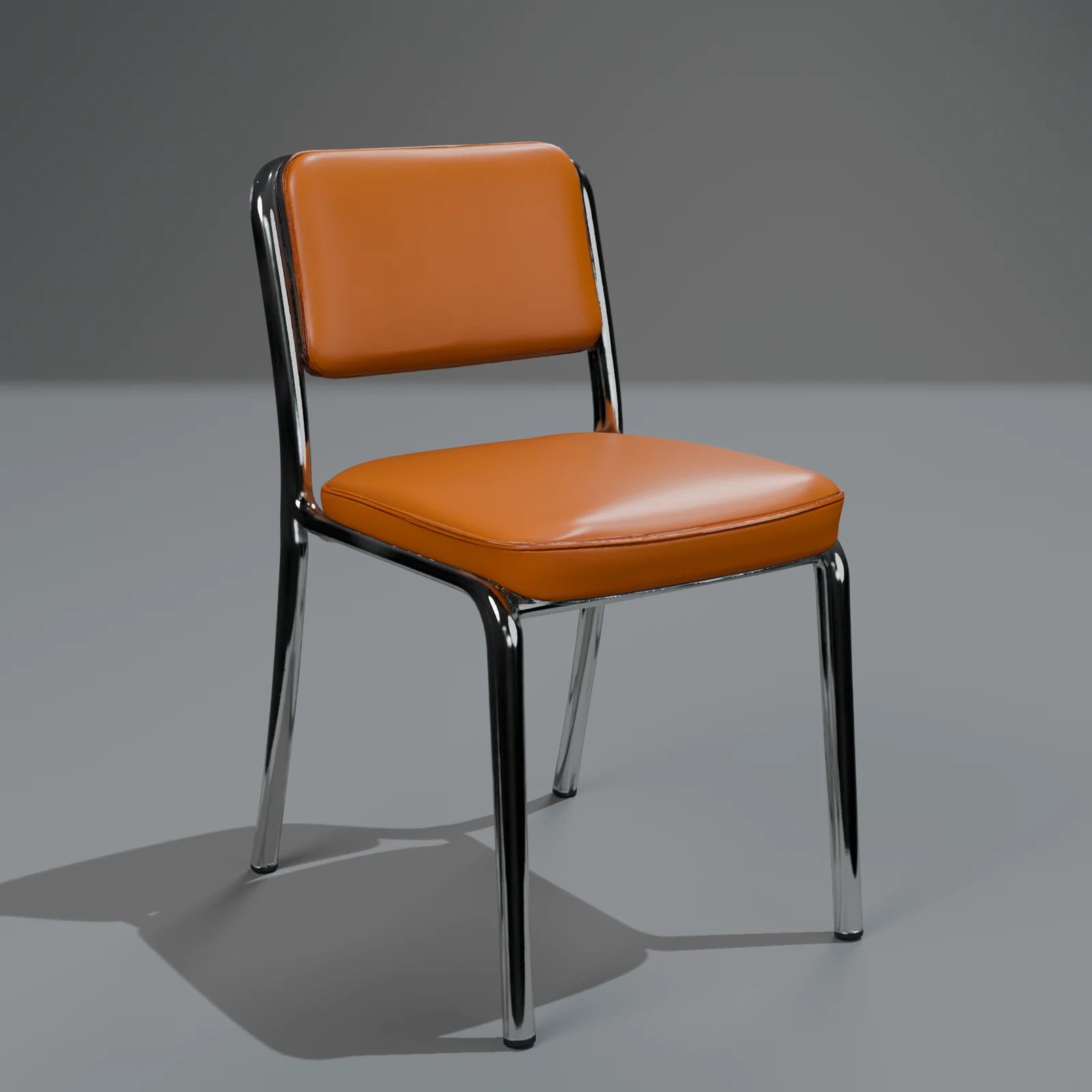
How to ask for a change
- Open the object in Your models, or any model in the free library, and find "Change it".
- Write one change in a sentence, naming the part if it isn't the whole object: "make the legs black metal".
- Pick Quick or Standard. The page shows both prices: 50 credits if only the surface changes, otherwise the Quick or Standard price.
- Start it. You get a new object; the one you started from stays exactly as it was.
- When it is ready, download it in the same six formats. A surface-only change keeps any moving parts and clips the source had.
Why the shape can't drift
A surface change writes the same model file with only its texture images swapped, and checks that the vertex count, the triangle count and the bounding box still equal the source's before anything is rendered or exported. That matters when the model is already placed in a scene, rigged, or sized for AR: a swatch change can't move a door hinge or make a sofa 3 cm wider.
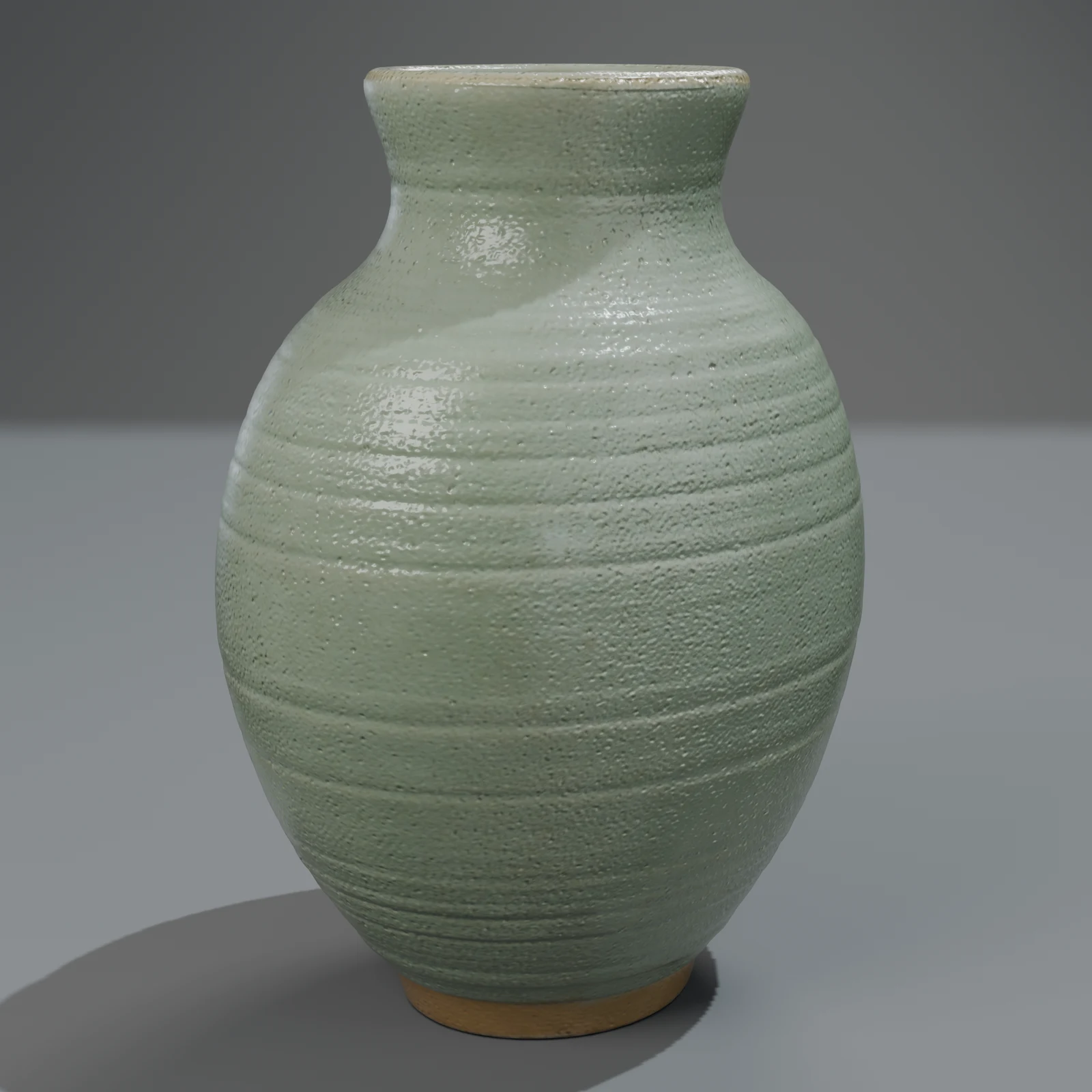
When a change rebuilds
The studio rebuilds rather than guess. A change goes to a full rebuild when:
- it really changes the shape ("taller back", "add a drawer");
- the reader isn't confident what you meant;
- the part you named isn't its own piece in the model (a chair whose legs and back were made as one piece can't get metal legs alone);
- you ask for a material we can't make on the surface yet, such as glass or fur, which goes to restyle.
To keep the price low and know what you get, ask for one change at a time and name the part.
How it is charged
The price is decided before the work starts, but the final route is only certain once the worker has read the change. So:
- When both our quick check and the worker's own reading say "surface", only 50 credits are held at the start.
- Otherwise the Quick or Standard price is held, and if the change turns out to be surface-only, the difference comes back when it finishes (150 back on Quick). It shows in your credits history.
- If anything fails, everything comes back.
Variants for a whole set
This is how our packs grow. Thirteen of the 25 models in the Modern Home & Products pack are surface changes of the other twelve: lamps in four glazes, side tables in three woods. Six of the Mid-Century Home models are too, like the 1970s sofa in mustard and sage. If you need a product in eight colours, or a prop in clean and worn versions, that is eight or two surface changes, not eight new models.
From code or an assistant
The same change works through the API ("kind":"edit" with an object_id or a library_slug, the API guide) and through MCP (change_object, the MCP guide), at the same prices.
Questions
Can I change a free library model?
Yes. Any library model can be the source. You get a new object of your own; the library model stays as it is. Under the library licence, a changed library model is still a library model with your changes, so its three rules still apply: don't resell or re-share it as a model, don't claim you made it, and don't train AI on it.
Will my changed model keep its animation?
Yes, for colour, material and wear changes: the mesh, the parts and the clips are untouched. A shape change builds a new model, and the studio tries to cut the moving parts again.
Why did my colour change cost the full price?
Because the worker decided it needed more than a surface change, usually because the named part isn't its own piece in the model or the request also changed the shape. If it turns out to be surface-only after all, the difference comes back automatically.
Can I change several things at once?
You can, but one change per request works best and is cheapest: "make it green and add a handle" is a shape change and pays the Quick or Standard price.