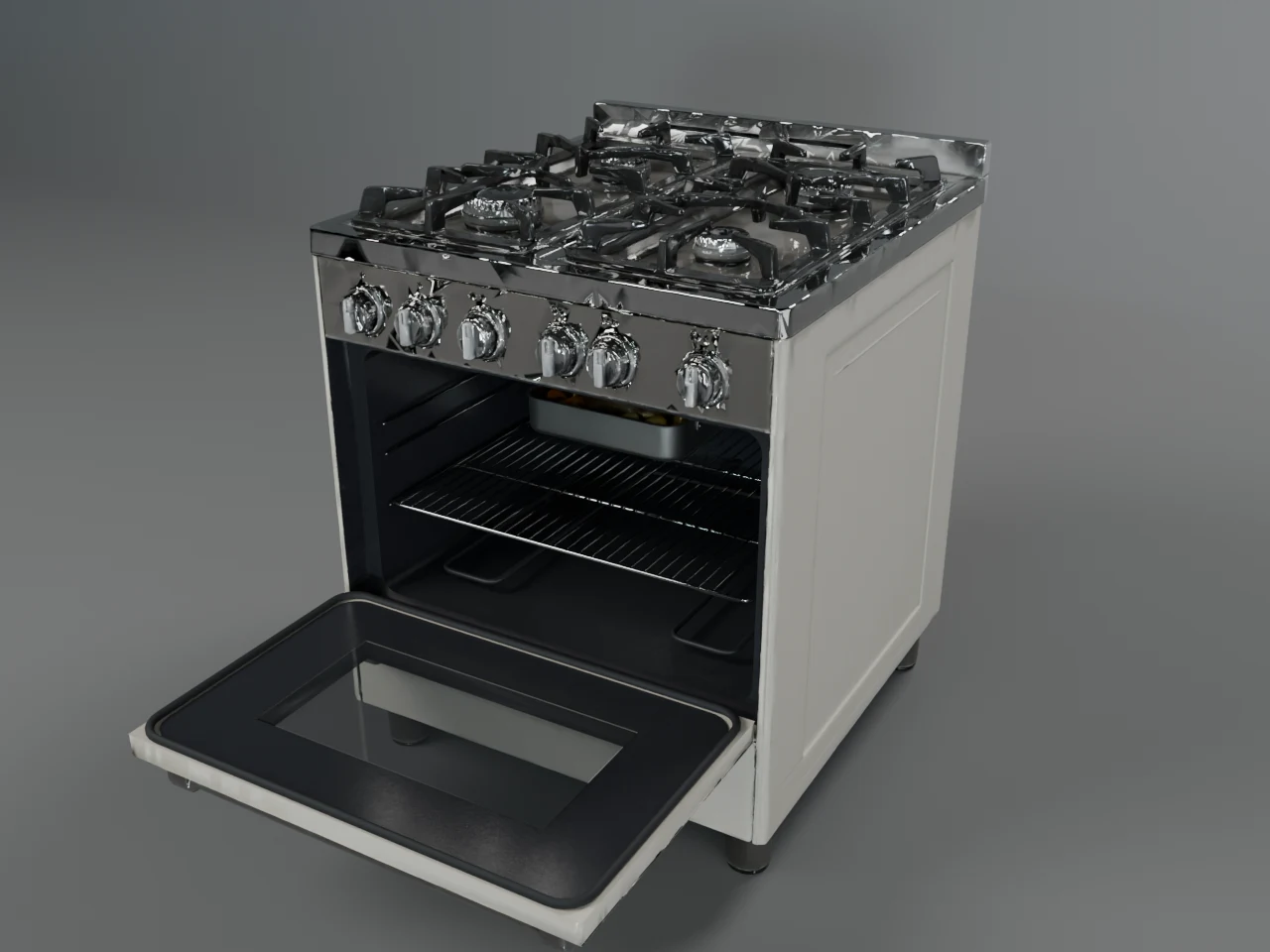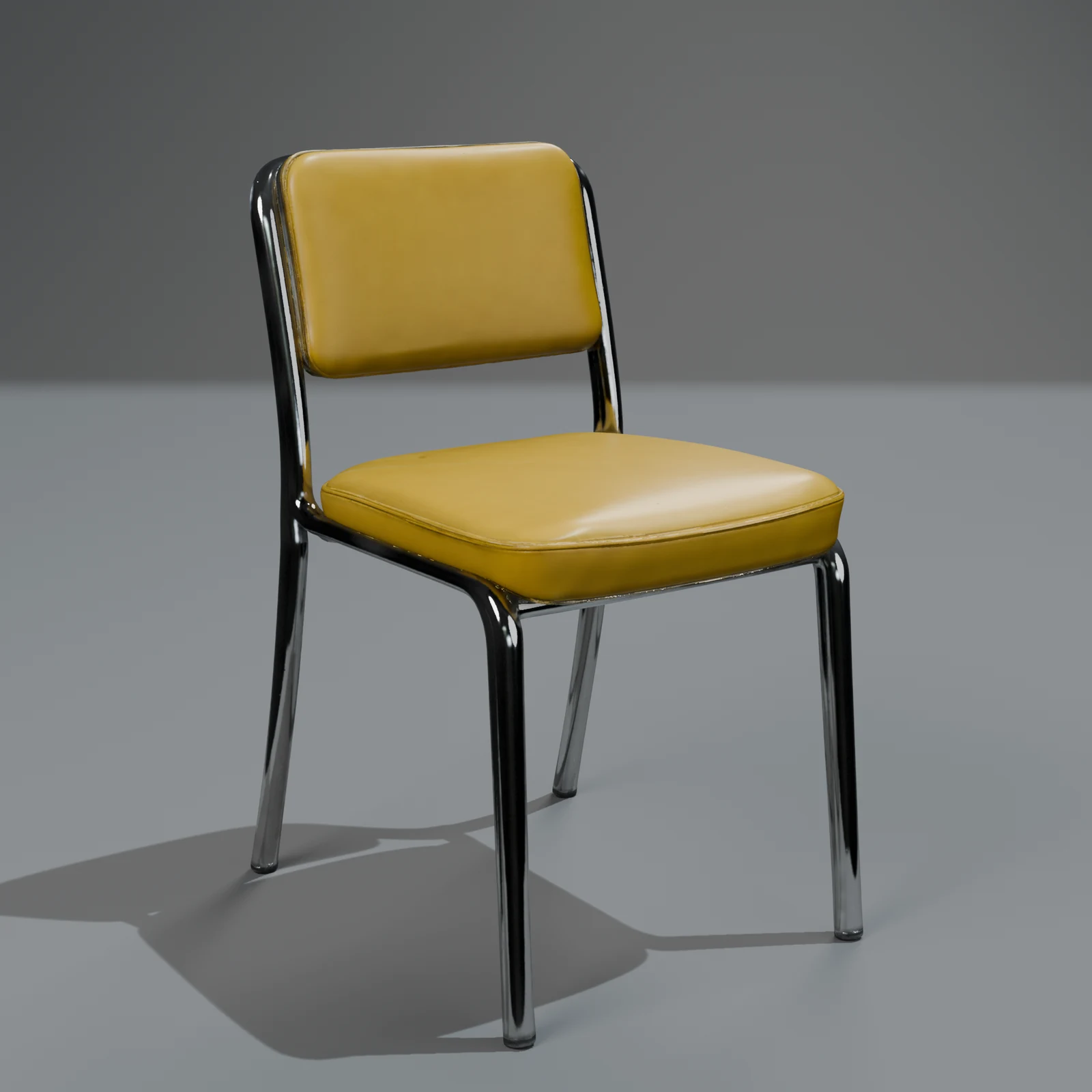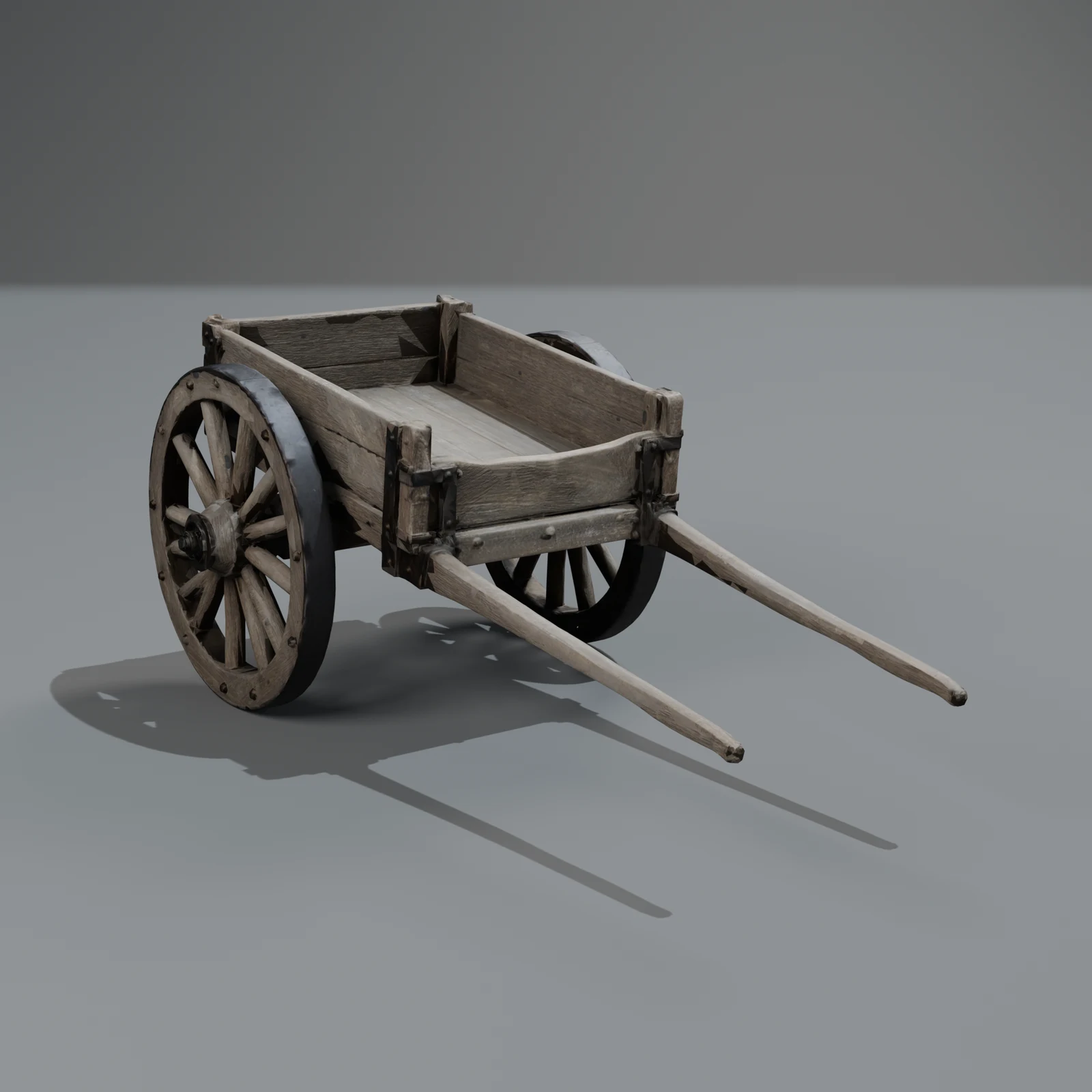
How to make a 3D model from a text description (step by step)
Describe one object, pick Quick or Standard, and get a finished, textured 3D model with renders and six formats. What to write, what it costs and what you get.
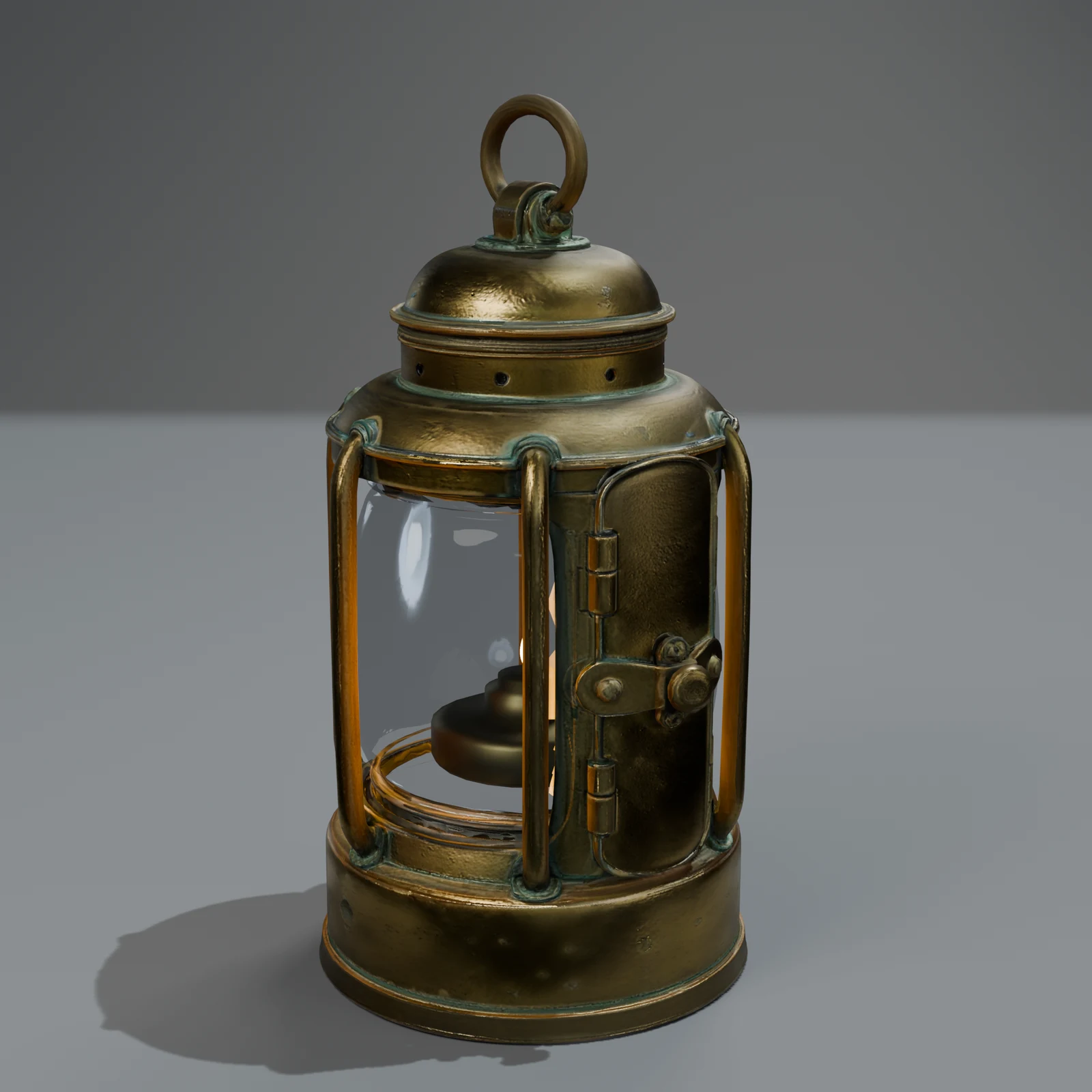
You can get a finished 3D model by describing it in a sentence: "a brass ship lantern with a glass chimney", "a 1950s fridge in mint green with a chrome handle". This guide shows how to do it on the Sleipner website, how to write a description that works, what each quality level gives you, and what it costs. If you would rather do it from code or an AI assistant, there are guides for the API and MCP.
The steps
- Sign in at 3d.sleipner.ai with your email and the 6-digit code we send you. New accounts get 600 free credits during the launch (until 2026-12-31), enough for three Quick objects at the launch price; 400 after.
- Open the Make page and describe one object in a sentence or two: what it is, what it is made of, its colours.
- Pick the quality: Quick (350 credits, 200 at launch; one version, the fastest) or Standard (1,000 credits, 600 at launch; three versions and the best one is picked for you).
- Choose Make it. The credits are taken now and come back if the job fails or you cancel it.
- Watch it build, or leave the page and come back: a concept drawing, the 3D shape, clean-up and textures, the review, then studio renders. Quick usually takes under 10 minutes, Standard 10–20.
- Look at it in the viewer (textured, clay and wireframe), then download it as GLB, glTF, FBX, USDZ, Blend or OBJ, at standard or low detail.
- If something is off, ask for one change in a sentence. A new colour, material or wear keeps the shape and costs 50 credits.
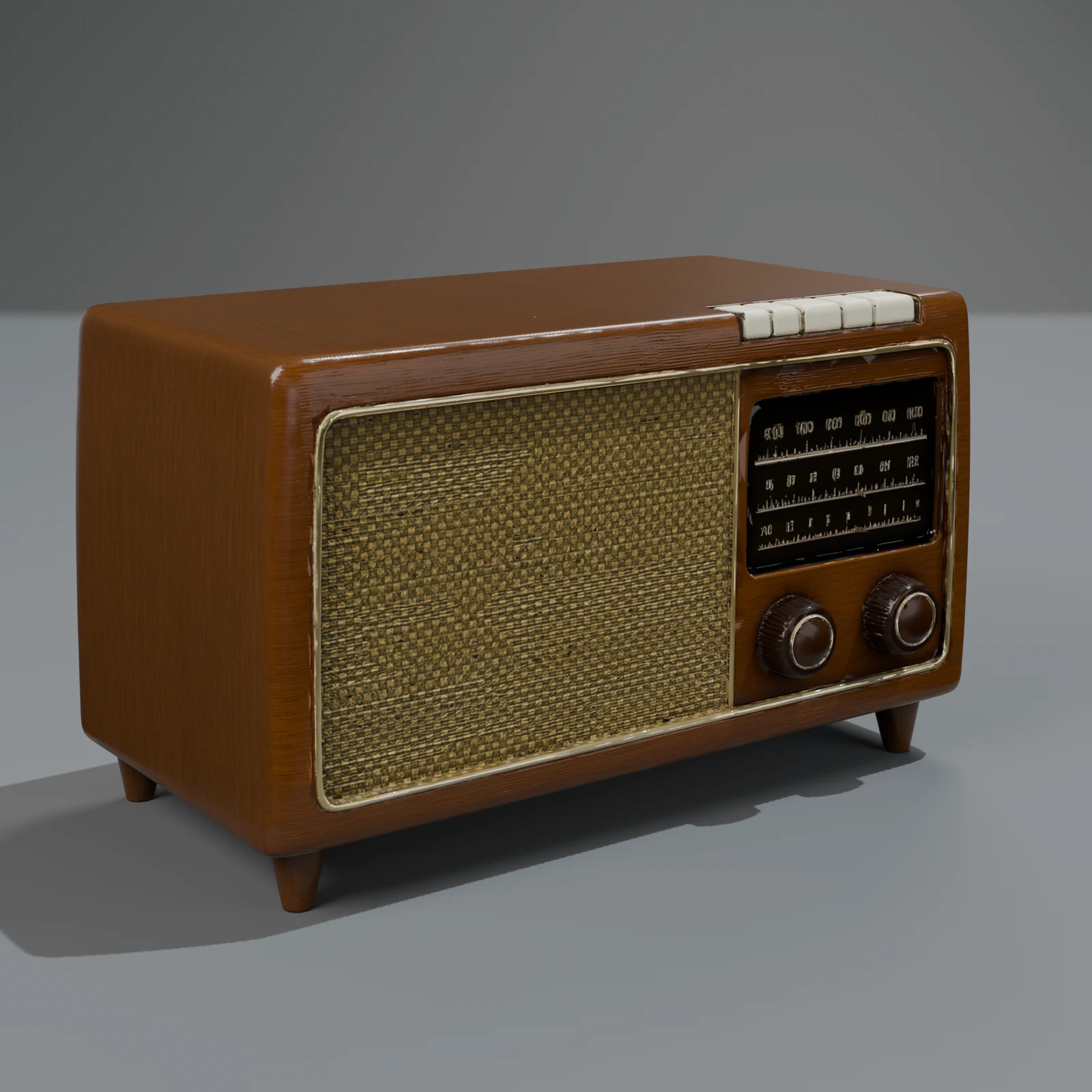
How to write a description that works
The studio reads your words twice: once to estimate the real size and the moving parts, and once to draw a concept that everything else is checked against. A few things help a lot:
- One object. "A tavern bench", not "a tavern with benches". V1 makes single objects; if you ask for a scene, it suggests single objects instead and charges nothing.
- Say what it is made of. "Oak", "brass", "worn leather", "enamel". Materials decide how it looks under light, and the clean-up step gives each part its material.
- Name the colours. "Mint green with a chrome handle" is better than "retro".
- Give the era or style if it matters. "1950s", "Scandinavian", "medieval", "industrial".
- Mention what should move. "A cabinet with two doors that open" tells the studio to try to cut the doors as moving parts with their own clips.
- Skip camera and lighting words. "Cinematic", "4K" and "studio lighting" don't change the model.
Good examples, from the Make page: "a farm wagon with wooden wheels and iron rims", "a mid-century armchair in mustard wool", "a cast-iron kettle with a wooden handle".
Quick or Standard?
| Quick | Standard | |
|---|---|---|
| Price | 350 credits ($3.50 at the smallest pack's rate); 200 ($2) at launch, until 2026-12-31 | 1,000 credits ($10); 600 ($6) at launch |
| Versions | one | three, from three different 3D models |
| Who picks | nobody: you get the one | the judge reviews each version from ten views and keeps the best |
| Best for | trying an idea, simple objects | objects you will keep, harder shapes, anything with detail |
Both get the same clean-up, materials, renders, formats and moving parts. Standard is safer because three different generators get a try and a reviewer throws out the broken ones. How the studio works explains each step.
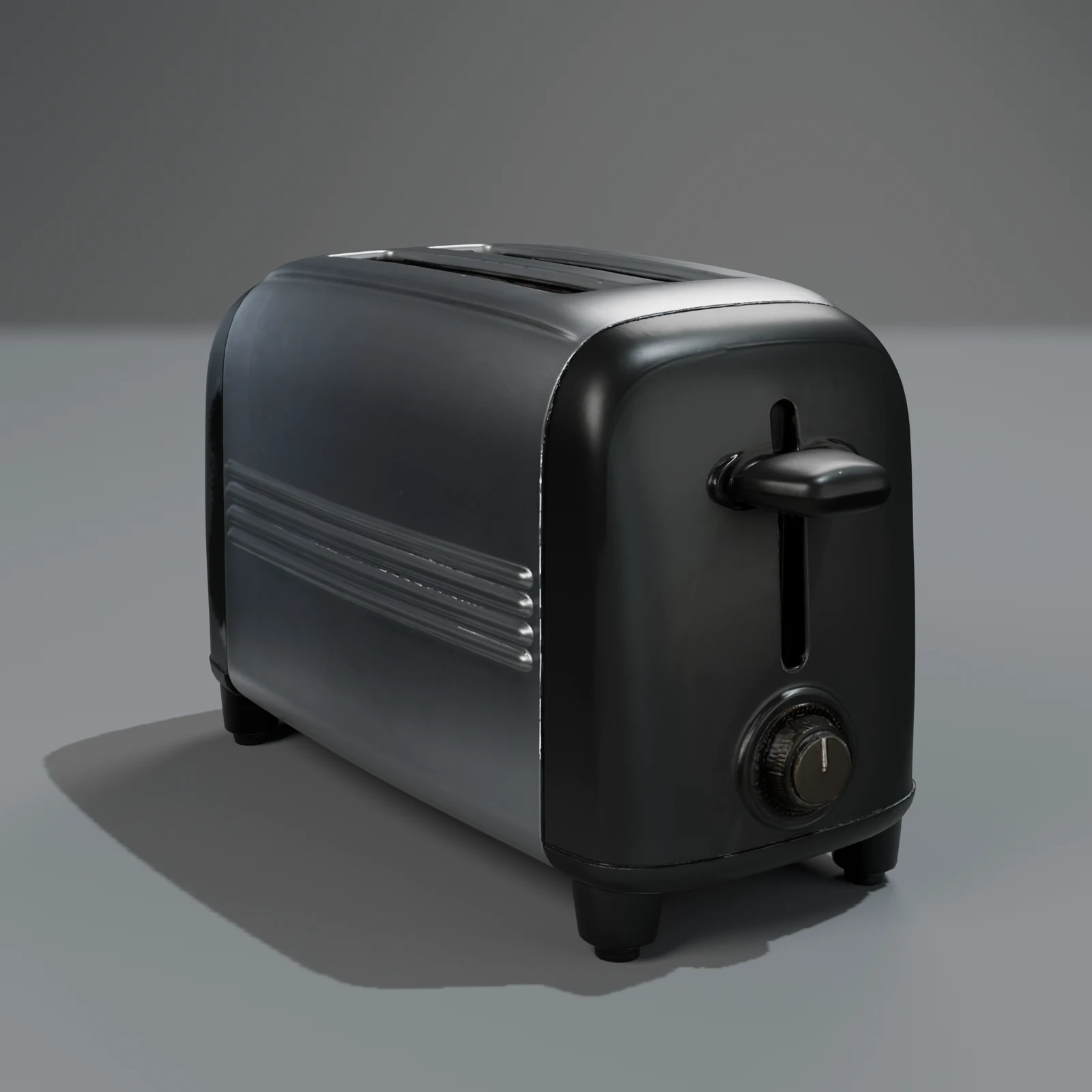
What you get
- A textured model of about 50,000 triangles at standard, cleaned up, at its real size in metres with the base on the ground.
- A low level at a quarter of the triangles, for distance and phones.
- PBR textures: colour, normal, roughness and metallic, so it looks right under your lights.
- Moving parts and clips when something should move and the cut passes its check.
- Studio renders from the front, side, back, top and close up, plus clay views.
- Six formats: GLB and glTF (web, Godot, Android AR), FBX (Unity, Unreal), USDZ (iPhone AR), Blend (Blender) and OBJ (older tools; static).
What it can't do yet
- Scenes, rooms and buildings. One object at a time.
- Rigged characters. People and animals come as static models.
- Realistic trees. They need a different method.
- STL for 3D printing. Not one of the six formats yet.
Questions
How much does it cost to make a 3D model?
Quick costs 350 credits and Standard 1,000; at launch, until 2026-12-31, they are 200 and 600. A colour, material or wear change costs 50. 1,000 credits cost $10 in the smallest pack, and new accounts get 600 credits free during the launch, 400 after. Credits never expire. Buying credits opens once payments are switched on; until then the pricing page shows the packs and how to ask us for more.
How long does it take?
Quick usually takes under 10 minutes and Standard 10–20, because Standard builds and reviews three versions. You can leave the page; the object is in Your models when it is ready.
What if I don't like the result?
Ask for a change in a sentence ("make the handle black"), or make it again on Standard. If the job fails, your credits come back automatically.
Can I sell or use what I make commercially?
Our terms (under legal review) say you own what you generate and may use it for any lawful purpose, commercial use included.
Can I start from a photo instead of words?
Photos are for product models of real things you sell. That is in beta through the API now; for anything else, describe it in words.