Using AI agents (MCP) to find and make 3D models: Claude, ChatGPT, Cursor
Connect Claude, ChatGPT, Cursor or VS Code to Sleipner 3D over MCP. Your assistant searches the free library, fetches files and makes new models, asking before it spends.
More and more work starts with a request to an AI assistant: in a chat app, in a code editor, or in an agent that runs in a terminal. If that work needs a 3D model, the assistant can get one itself. This post explains how that works with the Model Context Protocol (MCP), how to connect the common clients, what Sleipner 3D offers through it, and what to watch out for.
What MCP is
MCP is an open standard that lets an AI assistant use tools from other services. A service runs an MCP server; you add the server to your assistant once; from then on the assistant can call its tools when your request needs them. Chat apps, code editors and command-line agents support it, usually under a name like "connectors", "apps" or "MCP servers".
Sleipner 3D runs a remote MCP server at:
https://3d.sleipner.ai/mcpYou sign in through your browser with your Sleipner account (an email and a 6-digit code) and approve the connection. There is no API key to copy, and you can disconnect at any time on the connect page.
Connect your assistant
- Add the server address
https://3d.sleipner.ai/mcpto your client as a remote (HTTP) MCP server, using the steps for your client below. - When the client asks you to sign in, a browser window opens: enter your email and the 6-digit code we send you.
- Read the consent page, which names the app and what it can do, and choose Allow.
- Ask for something, for example "search the Sleipner library for a covered wagon".
Client by client, as of 31 October 2026 (menus move, so check your client's own docs if a name has changed):
| Client | Where to add it |
|---|---|
| Claude (web, desktop, mobile) | Settings → Connectors → Add custom connector. On a Team or Enterprise plan, an owner adds it once for everyone. |
| Claude Code | claude mcp add --transport http sleipner https://3d.sleipner.ai/mcp, then run /mcp, pick sleipner and sign in. |
| ChatGPT | Settings → Apps & Connectors → Advanced: turn on developer mode, choose Create, paste the address and pick OAuth. |
| Cursor | Add "sleipner": { "url": "https://3d.sleipner.ai/mcp" } under mcpServers in ~/.cursor/mcp.json, then sign in from Settings → MCP. |
| VS Code | Run "MCP: Add Server…" from the command palette and choose HTTP. |
Any other client that supports remote MCP servers with OAuth should work the same way.
What your assistant can do with it
| Tool | What it does | Cost |
|---|---|---|
search_library | Searches the free library by words, category, format or animation | free |
get_library_model | Gets a model's details: size, clips, renders, licence, every file | free |
get_download_link | Gives a download link for a file, valid for 5 minutes | free |
get_credits | Shows your balance and the price of each tier | free |
create_object | Makes a new object from a description | 350 or 1,000 credits (200 or 600 at launch, until 2026-12-31) |
change_object | Changes one of your objects or a library model into a new object | 50 for a surface change, else the tier's price |
get_object | Shows progress, and the files and renders when it is ready | free |
list_my_objects | Lists the objects you have made | free |
cancel_object | Stops a job and refunds it | free |
Three examples
Fetching a model from the library
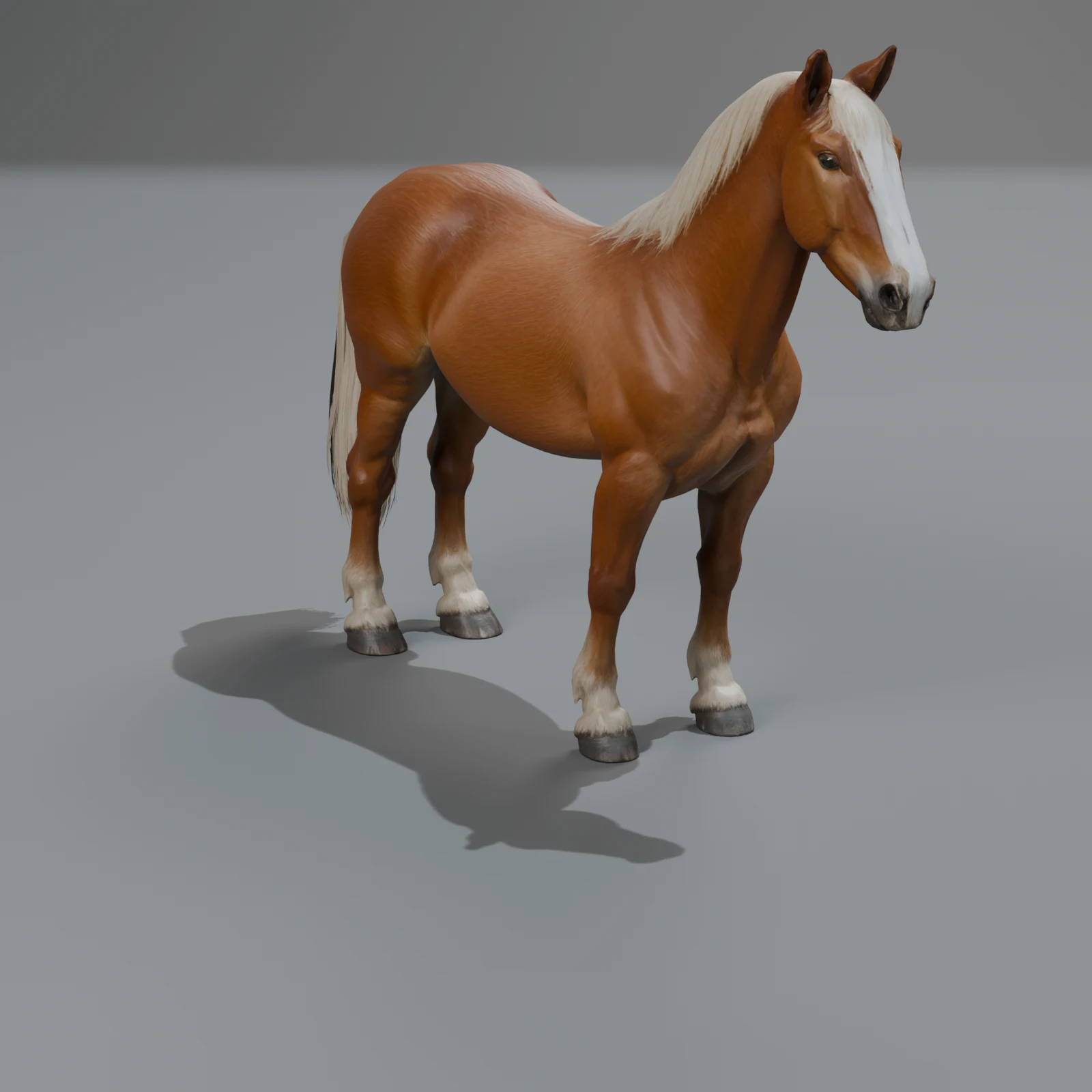
"Find a rigged horse in the Sleipner library and put the GLB at low detail in assets/models for a mobile game."
The assistant searches the library, finds the draft horse, checks that it has the low level and its eight clips, and asks for a download link. In a code editor or a terminal agent, it downloads the file straight into your project. The low GLB has about 12,000 triangles.
Making something new
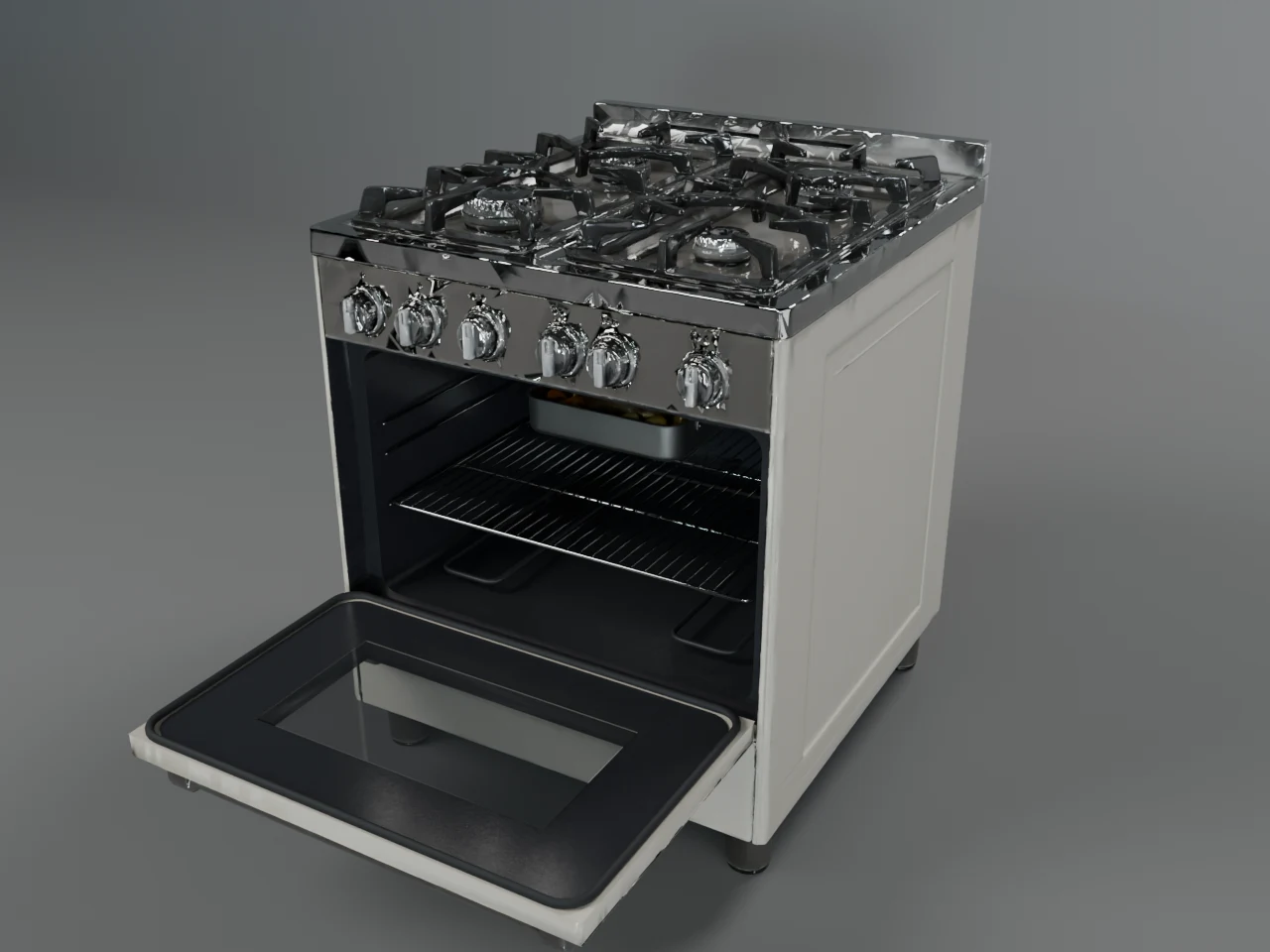
"Make a 1950s chrome toaster for the kitchen scene. Standard quality."
The assistant checks your balance and tells you the price first: a Standard object costs 1,000 credits (600 at launch). Only after you say yes does it start the job. The studio builds it in steps: concept, shape, clean-up, review and renders (how the studio works). That takes minutes, not seconds, so the assistant checks back with get_object and shows you the renders and files when it is done.
Changing a library model
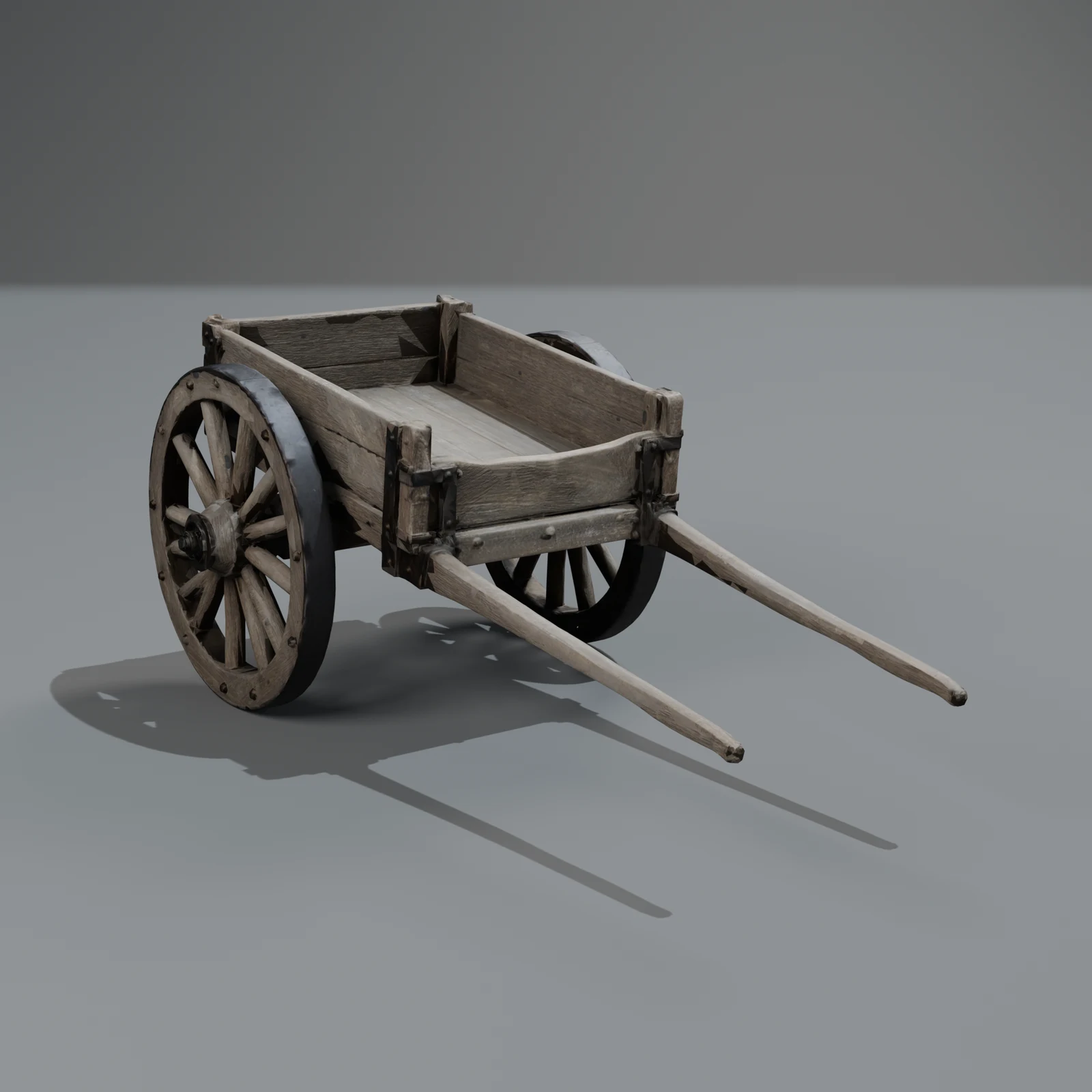
"Take the Sleipner covered wagon and make the canvas dark green."
change_object works on library models too. A colour, material or wear change keeps the shape exactly and costs 50 credits: the tier's price is held at the start and the rest comes back when it finishes. The original stays as it is; you get a new object. More in changing a 3D model with words.
Built so an agent can't run up a bill
Letting software spend money needs care. The server is built for it:
- Price first. The server tells assistants to state the price and get your yes before any paid tool.
- No double charges. Each paid call carries a request ID. If the assistant retries after a network error, it gets the same object back and pays nothing extra.
- Scope check before charging. V1 makes single objects. If an agent asks for a whole street or a forest, the server says so and suggests single objects instead, with nothing charged.
- Refunds. A cancelled or failed job gives the credits back.
- Limits. At most two objects in the works per account, and a few paid calls a minute.
- Only Sleipner. The tools don't touch anything outside Sleipner 3D, and they can't buy credits.
For developers building agents
- llms.txt: a short guide to Sleipner 3D written for language models.
- llms-full.txt: the whole catalogue, the tools and these guides as plain text.
- library.json: the public catalogue as JSON, with sizes, formats, detail levels and renders.
- The MCP server card at
/.well-known/mcp/server-card.json, for directories and clients that look for it. - For scripts that don't run inside an assistant, use the REST API with a key: the API guide.
Questions
Which AI assistants work with Sleipner 3D?
Any client that can add a remote MCP server with OAuth sign-in. We give steps for Claude, Claude Code, ChatGPT, Cursor and VS Code on the connect page; others that support remote MCP should work the same way.
Can the assistant spend my credits without asking?
The server tells every assistant to state the price and get your yes before a paid tool, and most clients also ask you to approve tool calls. Searching, viewing details and library downloads are free. Your assistant can never buy credits.
Do library downloads cost anything through MCP?
No. Searching, details and download links for library models are free, the same as on the website. You need a free Sleipner account, because downloads need one.
Why does my download link stop working?
Links are valid for 5 minutes, on purpose. An agent should download the file right away rather than save the link. Ask again for a fresh one.
Is the library licence in force?
Yes. Library models are free to download, and the library licence allows use in your own projects, commercial ones included. It has three rules: don't resell or re-share the models as models, don't claim you made them, and don't train AI on them.