From prompt to finished 3D: how the Sleipner studio works
A 3D studio has a concept artist, modellers, clean-up, an art director, a rigger and a photographer. Here is how each role works in Sleipner, step by step.

When a game studio or a furniture brand orders a 3D model from a human studio, many people touch it before it is delivered. Someone draws it, someone models it, someone cleans it up and paints the materials, someone rigs the moving parts, an art director sends back what isn't good enough, and someone renders it. Sleipner works the same way. The difference is that each role is done by the AI model that is best at it, and a judge plays the art director. We don't build the 3D models ourselves. We run the studio.
This post walks through one object, step by step, as the studio runs on 31 October 2026. The models we use change when better ones come out; the roles don't.
1. The brief
You describe one object, for example "a 1950s gas range with chrome knobs". Before anything is charged, a scope check reads the request. V1 makes single objects: furniture, props, products, vehicles, food, decor and plants. If you ask for a whole scene ("a medieval street"), it suggests single objects to make instead, and nothing is charged.
Then a language model reads the brief like a producer would and answers two questions:
- How big is it? It estimates the real height and length, so the model can be built at true scale.
- Which parts move? Doors, lids, drawers, wheels, knobs or cranks.
2. The concept artist
An image model (GPT Image today) draws the concept: one picture of the object, lit evenly, with nothing else in the frame. Everything after this step is measured against it. If you start from your own photos instead, your photos are the concept.
3. The modellers
Image-to-3D models turn the concept into a textured mesh. These are the generators you may know: Tripo, Hunyuan 3D and Microsoft's TRELLIS.2. Each is good at different things, and the best one changes with the object.
- Quick (350 credits; 200 at launch, until 2026-12-31) asks one modeller for one version: Tripo 3.1 first, and if it fails or is busy, Hunyuan 3D 3.1 Pro, then TRELLIS.2.
- Standard (1,000 credits; 600 at launch) asks all three at the same time and lets the art director choose.
4. Clean-up and materials
The raw mesh from a generator is often a million triangles or more, with messy UVs and one smooth paint over everything. The clean-up step:
- reduces it to about 50,000 triangles;
- unwraps new UVs and bakes proper PBR textures (colour, normal, roughness, metallic) onto the new mesh, at 2048 px or, when the object needs more detail, a 4K master;
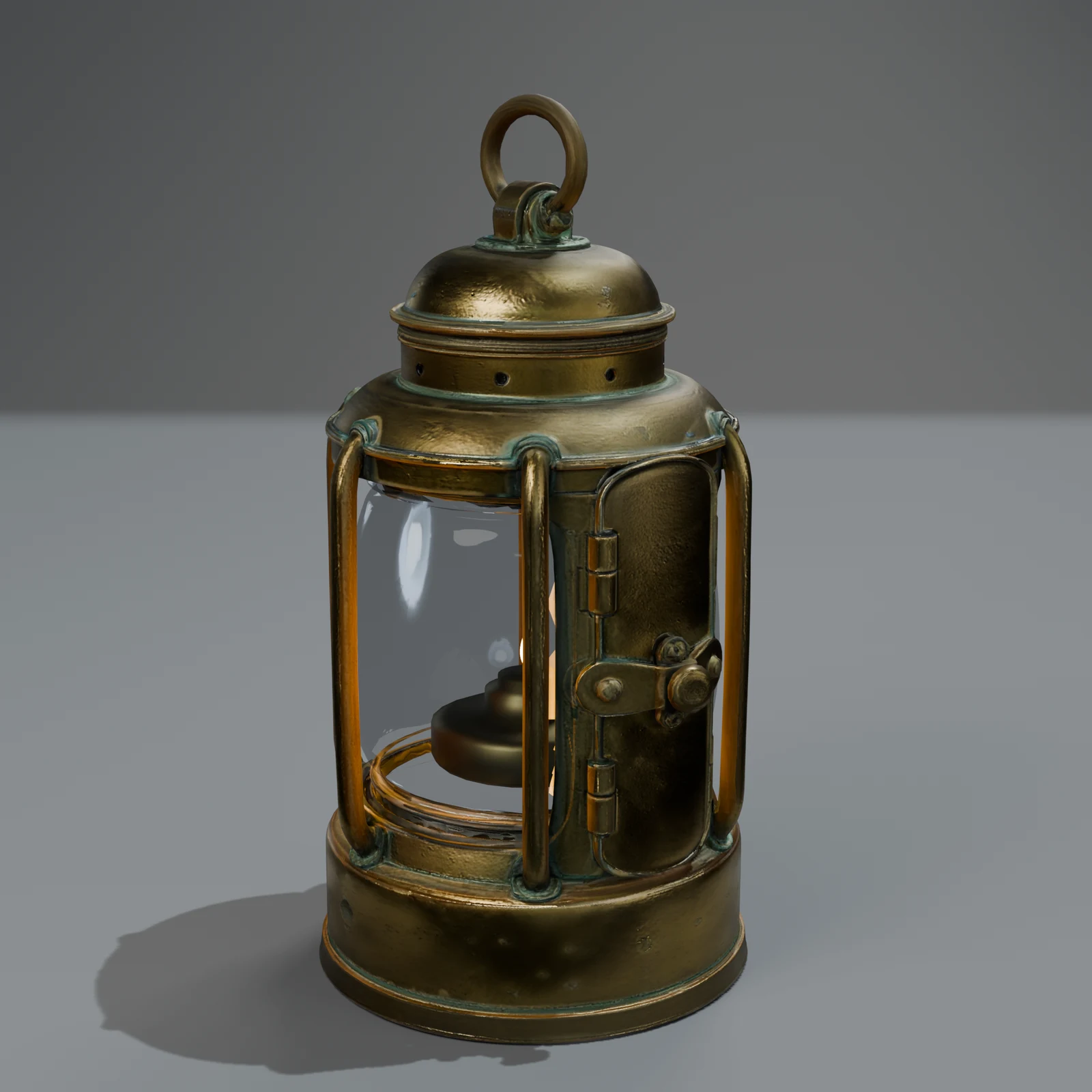
- gives each part its own material: chrome that reflects, brass, leather, linen, enamel, instead of one grey plastic;
- makes glass see-through again, because the generators paint glass as an opaque colour;
- scales it to the size from the brief, with the base on the ground.
5. The art director
With several versions, something has to choose, and that choice decides the quality more than any other step. Our art director works in stages:
- An inventory. From the concept, it lists the parts that must be there: four legs, two doors, six knobs.
- Measurements. Without any AI, it checks each version for loose fragments, holes, lopsidedness, wasted texture space and blurry textures.
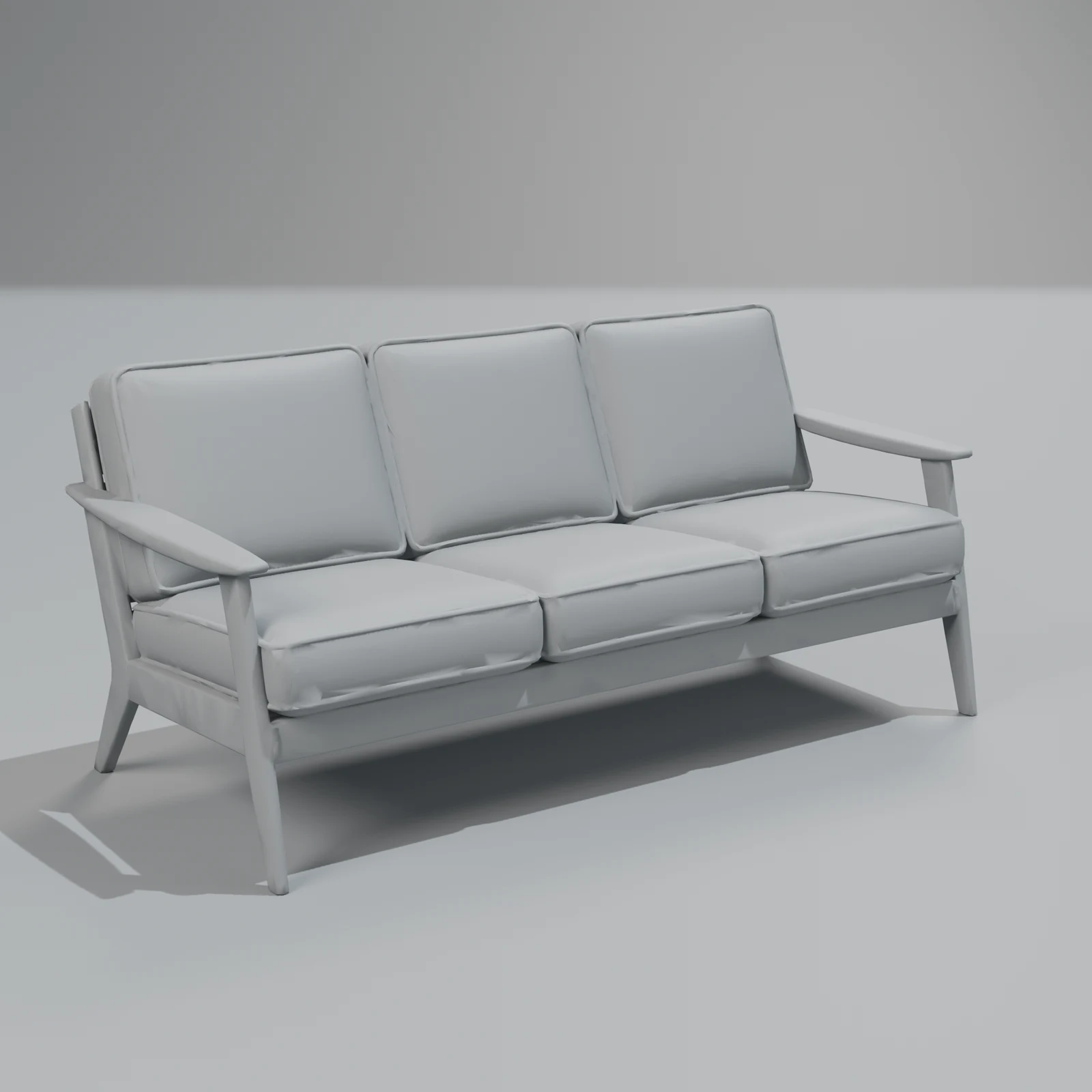
- A review. A vision model (Gemini 3.1 Pro today) looks at ten renders of each version, eight textured and two in clay, next to the concept. It scores structure, the back, proportions, surface, shape, sharpness and the front, and lists every defect as blocking, major or minor.
- A second opinion. If a rejection decides which version wins, that version gets a second review, and that review settles it.
- A duel. If the top two are very close, they are compared side by side.
We tested this judge on models with known faults before using it. The vision model we chose caught 85 % of the known defects; a faster, cheaper one caught 56 %. It costs a few cents more per object and takes about a minute per version. We chose quality.
6. The rigger
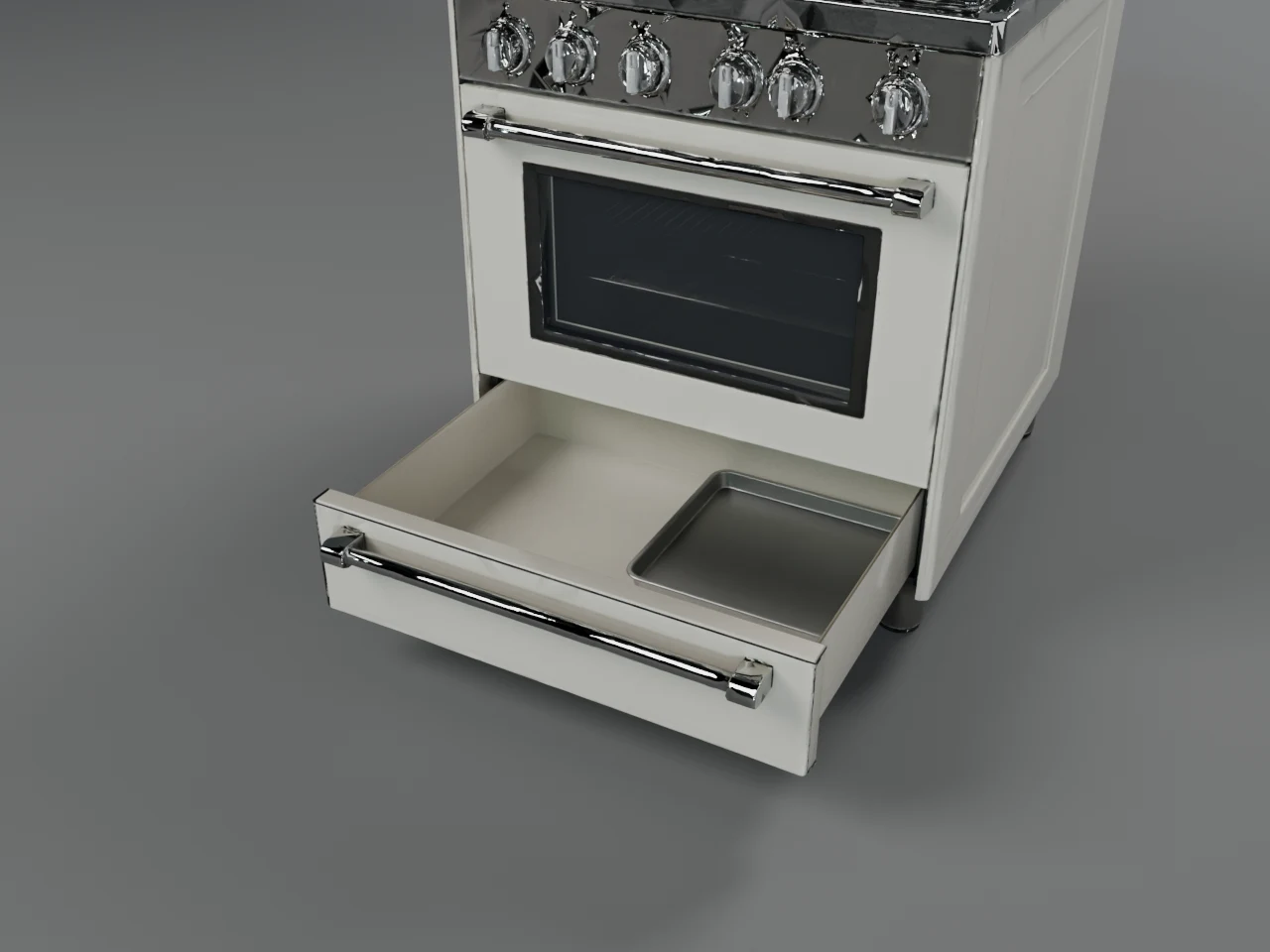
If the brief said something moves, the rigger gets to work. A vision model looks at the cleaned model and plans the parts: where the oven door is, where its hinge is, how far it opens. Then Blender cuts those parts out of the mesh, gives each a joint, and builds what the opening reveals, such as the inside of an oven or a drawer. Finally it makes the clips: open, hold_open, pull_out, roll or turn.
A second vision check looks at the model closed and open. It can only take the rig away, never force a bad one through: a model with a door that doesn't open is better than one with a door that tears. So when in doubt, you get the model without moving parts.
7. The photographer
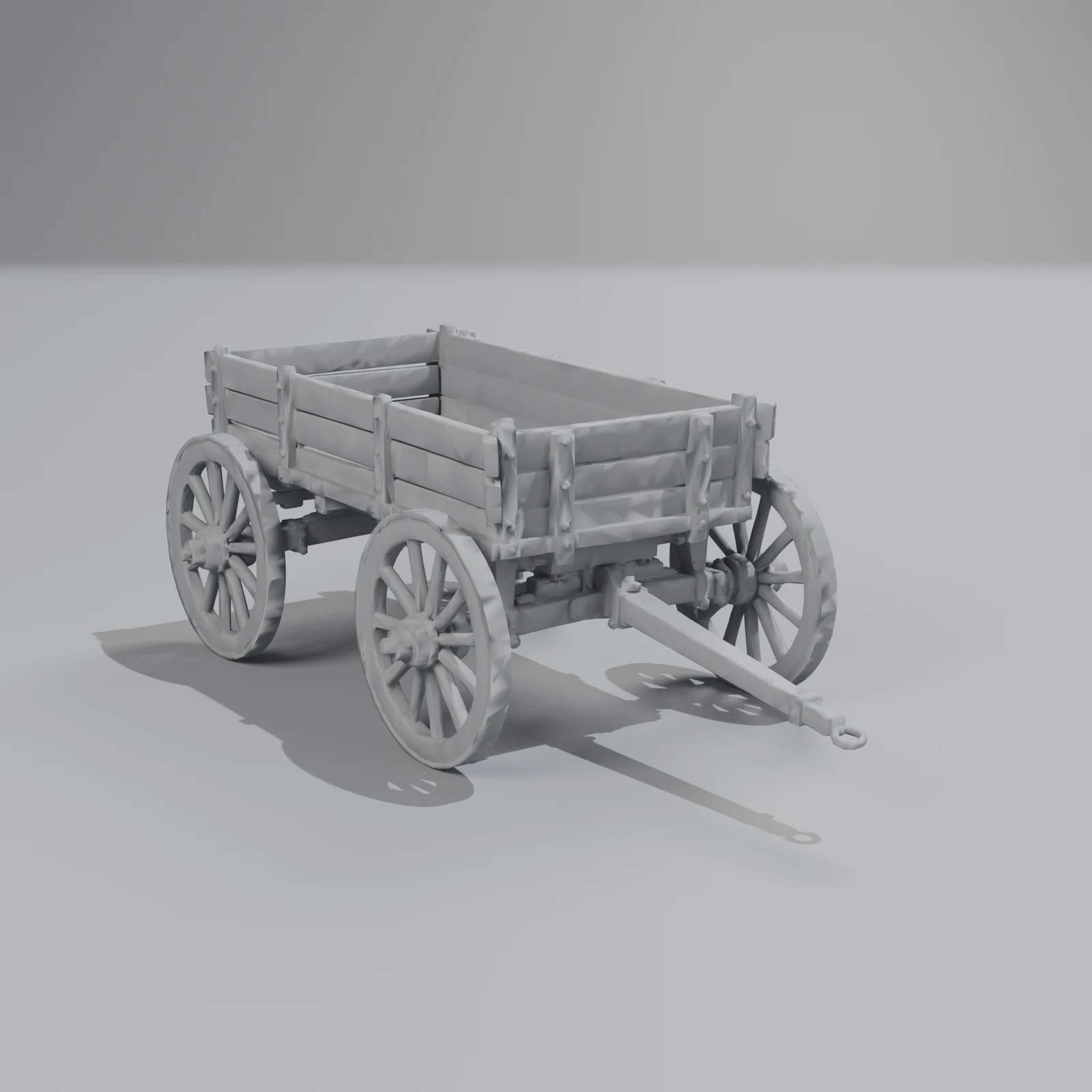
Every object gets studio renders: front three-quarter, side, back, top and a close-up, plus clay views and, where something moves, the parts open. These are what you see first, and what a shop or a store page can use as images.
8. Delivery
The last step exports every format (GLB, glTF, FBX, USDZ, Blend and OBJ) at two detail levels, plus a light copy for the viewer in your browser. A Quick object usually takes under 10 minutes and a Standard one 10–20, because Standard builds and reviews three versions. If anything fails, the credits come back.
Changes that keep the shape
Most changes after delivery are about the surface: "make it red", "make it leather", "make it look old". Those keep the mesh exactly as it is and only repaint it, which is why they cost 50 credits instead of a new object's price. A change to the shape ("give it a taller back") goes back to the concept artist and runs the steps again from there. Changing a 3D model with words goes through it.
The library's extra step
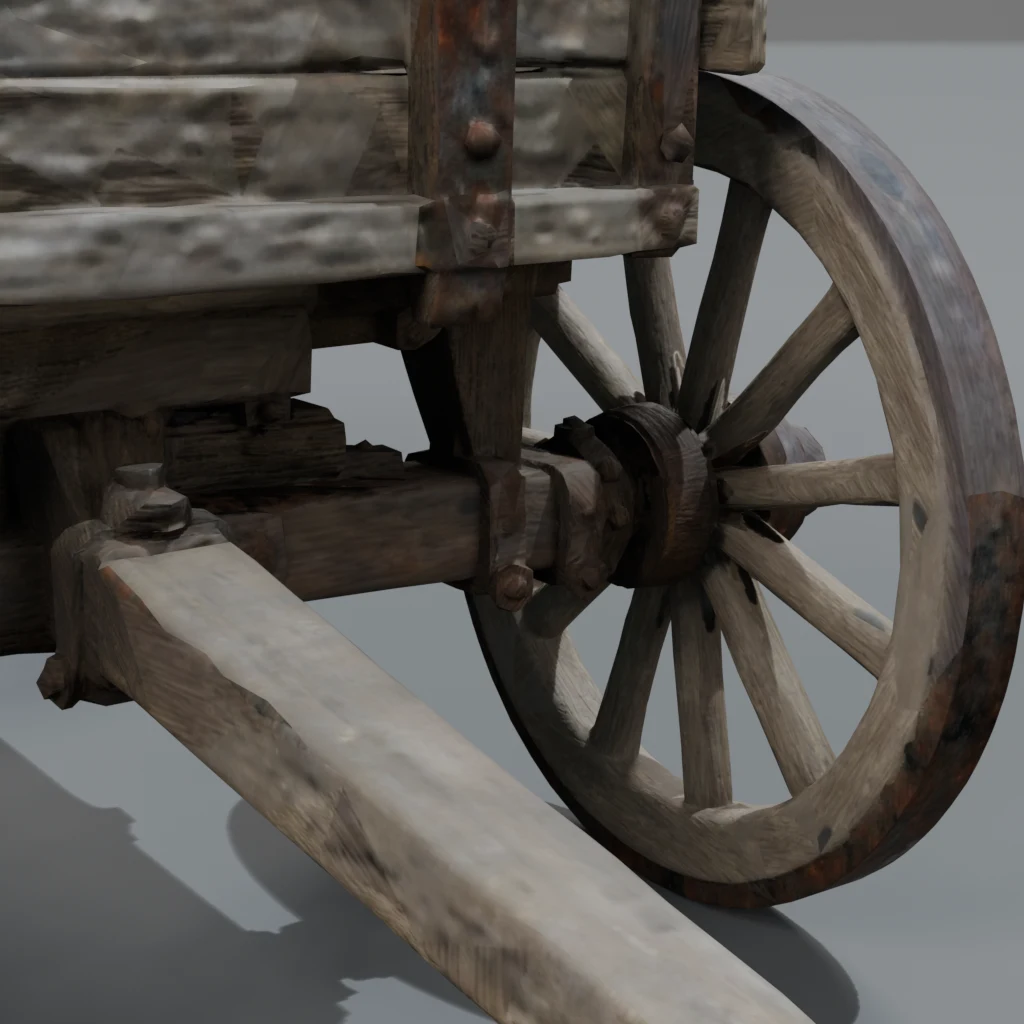
For the free library, the bar is higher. A model is published only when it passes the judge and a curation pass over its renders and clay views, and it has to be at least as good as its pack's anchor model; the owner reviews the packs before the open beta. Many models don't make it: the medieval pack left out a hand lantern, a weapon rack and a crate. We publish fewer models rather than weaker ones.
What the studio doesn't do yet
- Scenes and rooms. One object at a time. Whole rooms, streets and landscapes come later, built from the parts.
- Rigged characters. Characters and animals come as static models. The horses in the library were rigged separately.
- Realistic trees. They need a different method from the one above.
- STL for 3D printing. We export six formats; STL isn't one of them yet.
Questions
Do you train your own 3D model?
No. We use the best image-to-3D models available and put a studio around them: the brief, clean-up, materials, the judge, rigging, renders and formats. When a better model comes out, we add it and every object gets better.
Why does it take minutes, not seconds?
Because the generation is only one step. Clean-up, the material and glass passes, the review of each version, cutting moving parts, ten studio renders and six export formats all take time. Most of what you pay for happens after the mesh exists.
What happens if the result is bad?
If a job fails, the credits come back automatically. If it finishes but you don't like it, you can ask for a change in a sentence, or make it again on Standard, where three versions compete.
Who owns what I make?
Our terms (under legal review) say you own what you generate, and may use it for any lawful purpose, commercial use included. A changed library model is the exception: it stays under the library licence and its three rules (don't resell or re-share it as a model, don't claim you made it, don't train AI on it).
If you want to try it, describe an object: new accounts get 600 free credits during the launch (until 2026-12-31), enough for three Quick objects at the launch price; 400 after. If you would rather see results first, the library shows what comes out of the studio, and what game-ready means explains what to check in any 3D model.