3D assets for game prototypes and jams: free props first, then make what's missing
How to fill a game prototype with real-looking 3D props fast: start from free packs, make the missing pieces from a sentence, and keep scale, LODs and formats right.
A prototype has one job: show whether the game is fun. Art is not the point yet, but grey boxes make it hard to judge feel, scale and readability, and harder to show anyone. The useful middle ground is real-looking props that cost you minutes, not days, and that you can replace later without touching the code. This post is a practical workflow for that, with free models first and generated ones for the gaps.
1. Start from what already exists
Before you make anything, look for a pack that matches your setting. Free sources worth checking:
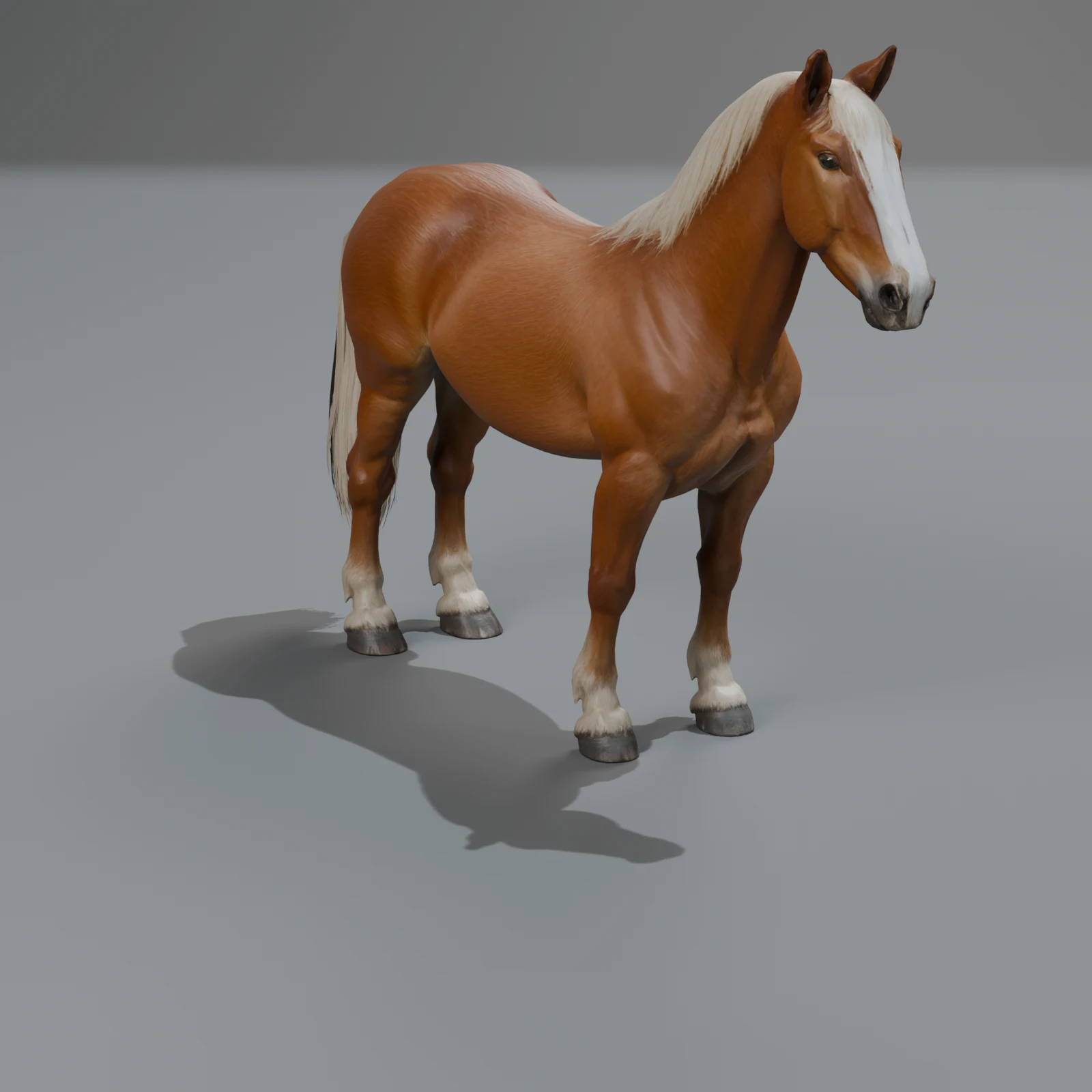
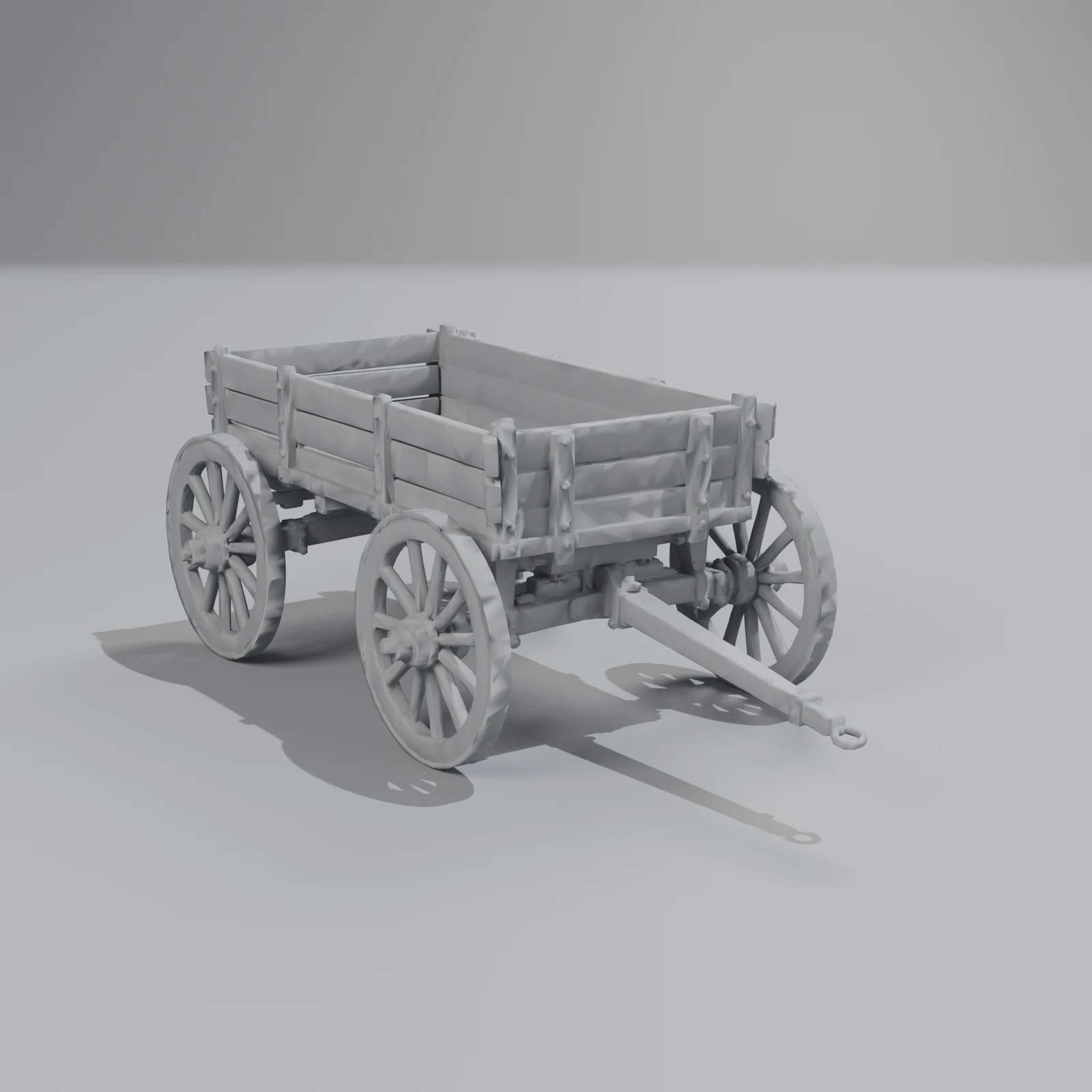
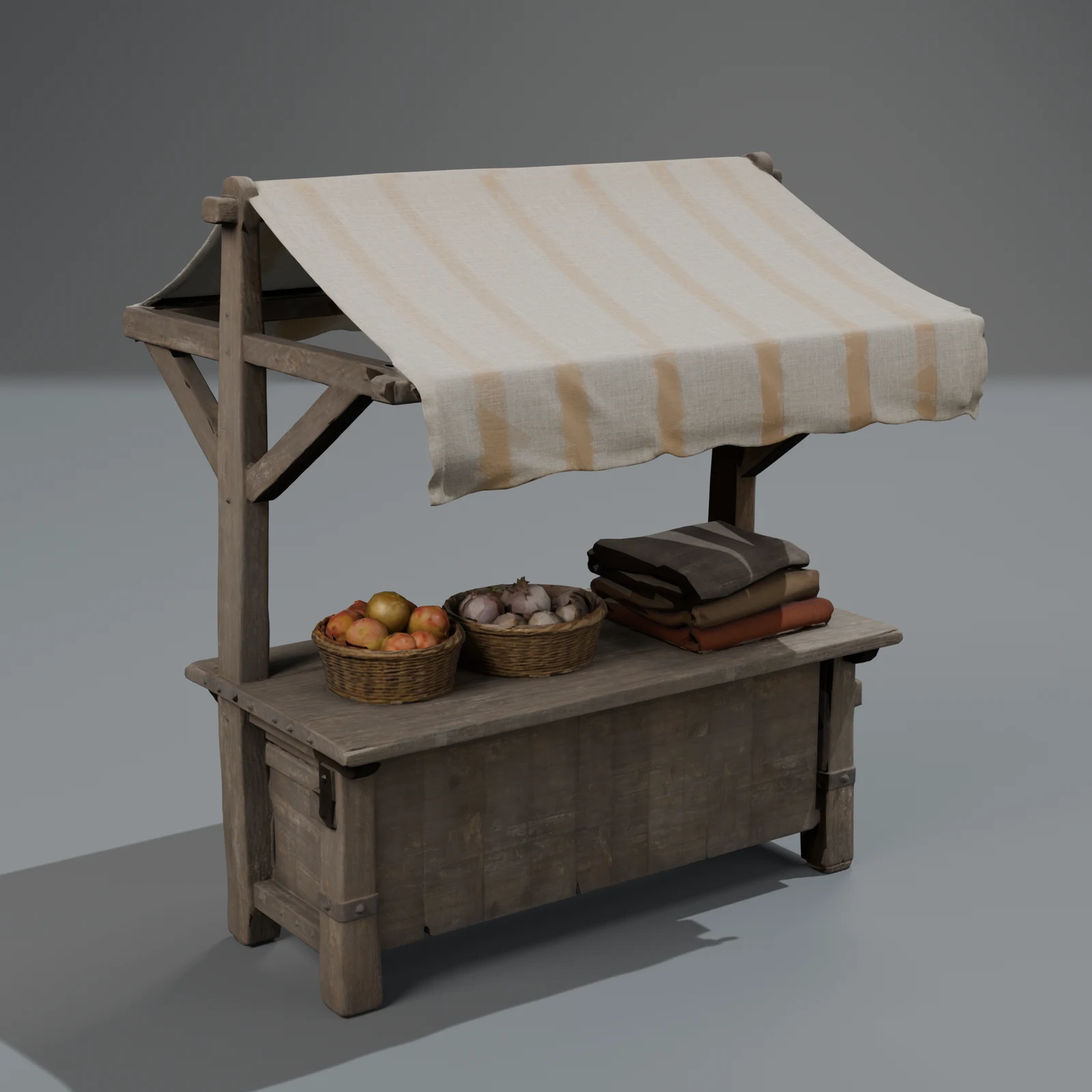
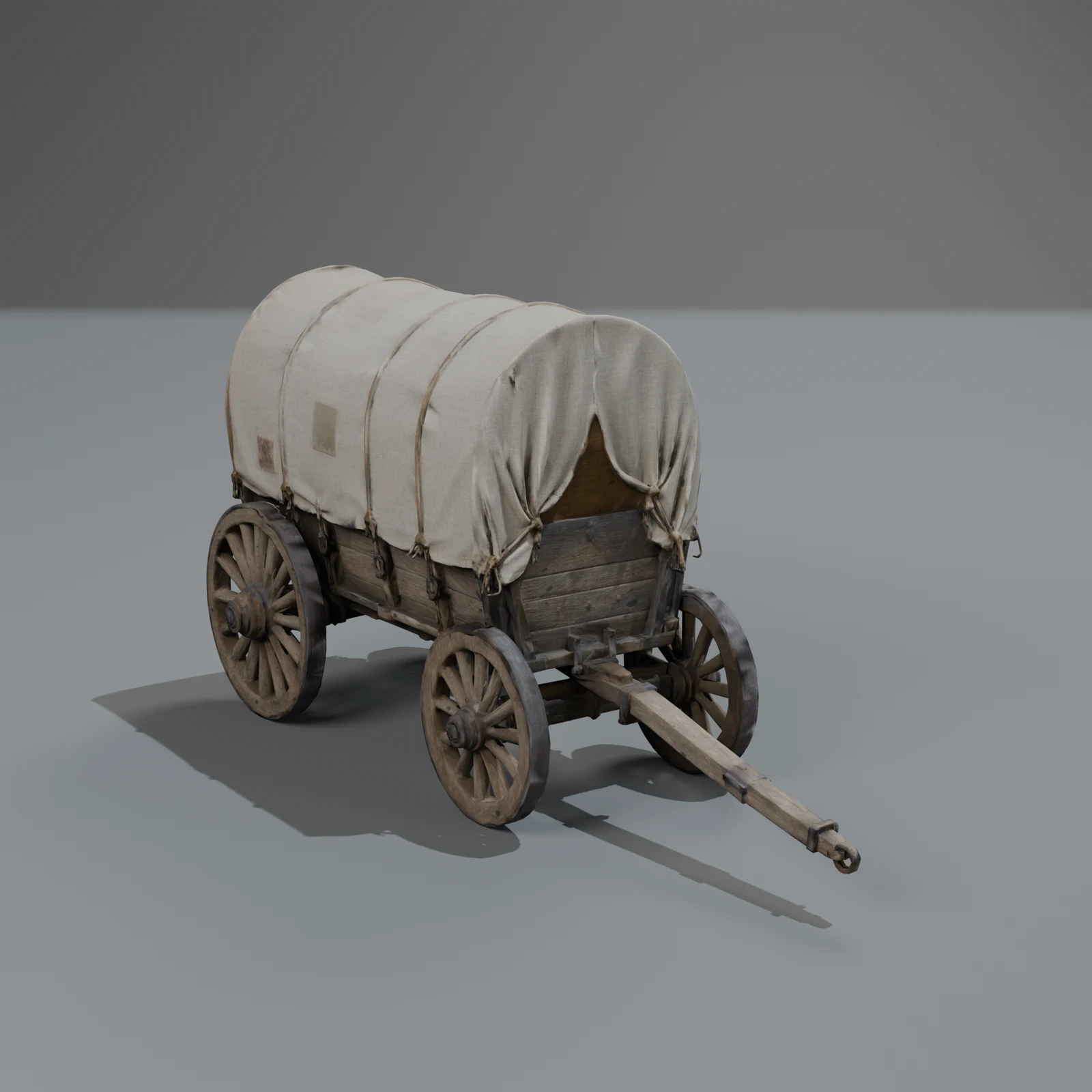
- Our free library (browse it): realistic, true-scale models in three packs, with rigs and clips where something moves. The Medieval Village pack alone has five rigged horses, three carts with rolling wheels, a well, a market stall, weapons, armour and tavern props.
- CC0 libraries such as Kenney and Quaternius for stylised low-poly sets, and Poly Haven for realistic props and materials. Our guide to free 3D model libraries compares them honestly.
Pick one style and stick to it. A low-poly character in a photoreal tavern will look wrong even in a prototype.
2. Make only what's missing
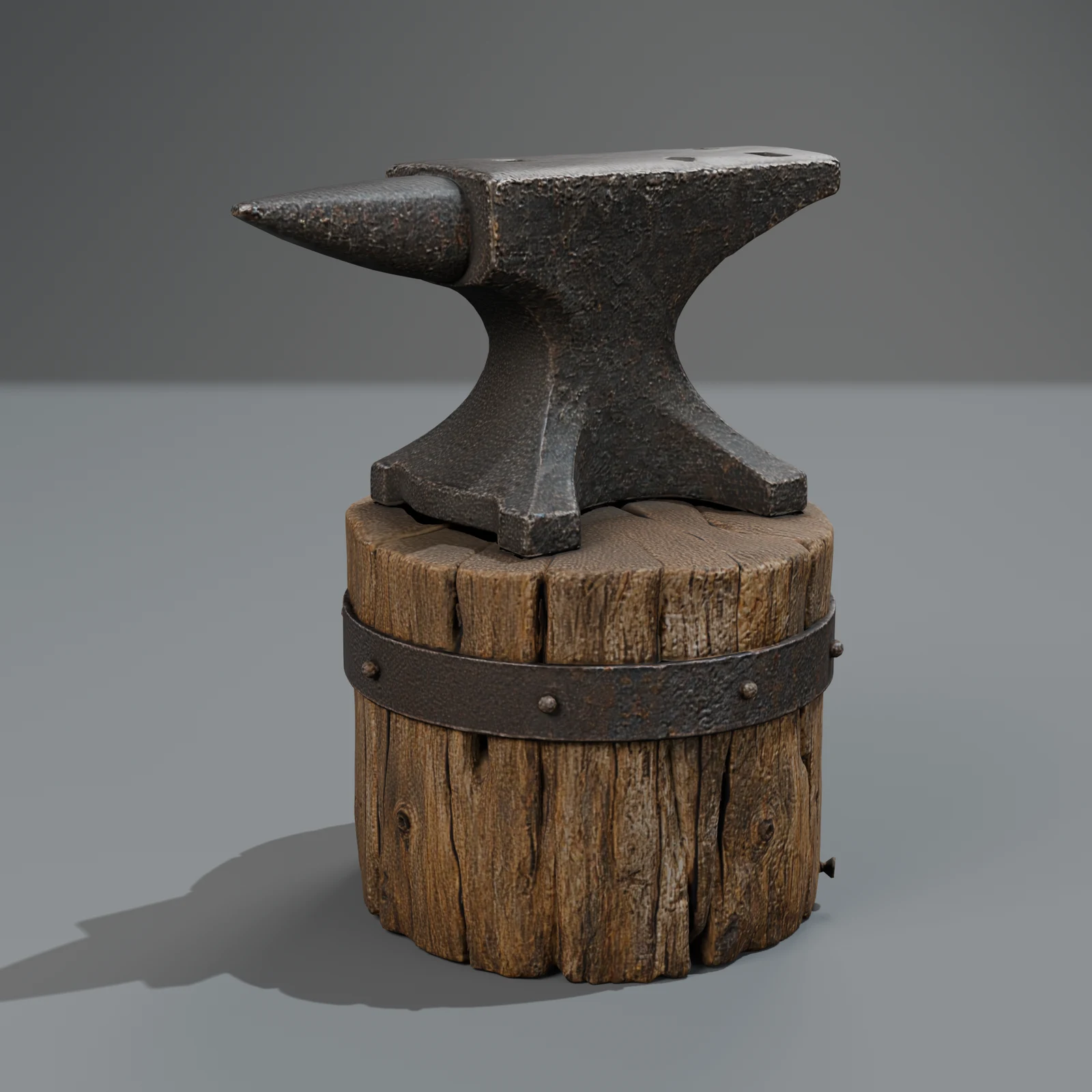
Your game will need something no pack has: a specific crate, a quest item, a vehicle with a twist. Describe it in a sentence on the Make page, for example "a wooden supply crate with rope handles and iron corners". Quick costs 350 credits (200 at launch, until 2026-12-31), and new accounts get 600 free during the launch (400 after), so the first missing props cost nothing to try. Standard (1,000 credits, 600 at launch) makes three versions and keeps the best; use it for anything the player looks at closely.
How to make a 3D model from a text description has tips for the wording.
3. Let your coding assistant fetch the files
If you build with an AI assistant in your editor or terminal (Claude Code, Cursor, VS Code), connect Sleipner over MCP and ask for what you need in the same place you write code:
"Find a rigged horse and a cart in the Sleipner library and put the low-detail GLBs in assets/models."
The assistant searches the library, checks the formats and clips, and downloads the files into your project. Library downloads are free; making a new object asks you first. Setup takes a minute: the MCP guide.
4. Keep three things right from day one
Prototypes get shipped more often than anyone plans. Three habits save a painful clean-up later:
- Scale. Use models in real metres (ours are) and keep the player's height true. Level design decisions made at the wrong scale don't survive the art pass.
- Levels of detail. Every library model has a low level at a quarter of the triangles. Use it for anything that repeats (barrels, horses in a herd, market stalls) and keep standard for what the camera gets close to.
- One format. GLB for Godot and the web, FBX for Unity and Unreal. Clips come as named takes or animations, so your animation code can reference
Walk,Trotorrollby name.
Our game-ready checklist has the full list, with numbers.
5. Swap it later without touching code
Keep each prop in its own file with a stable name and its origin at the base. When the art direction is set, you can replace a placeholder with a final model (yours, an artist's, or a new version from us) and the scene keeps working. If the swap is just a new colour or a worn look, a surface change keeps the exact mesh, so nothing moves at all (how edits work).
A note on game jams
Check your jam's rules before you start. Some jams want everything made during the jam; many allow pre-made and third-party assets if you credit them. Our library models need no credit under the library licence, but crediting your sources is good practice either way.
Questions
Are free library models fine for a commercial game?
Yes. They are free to download, and the library licence allows commercial use with no credit and no royalties. It has three rules: don't resell or re-share the models as models, don't claim you made them, and don't train AI on them.
Do Steam games need to disclose AI-made assets?
Steam asks developers to disclose AI-generated content, and it is common: PC Gamer reported that 30.8 % of 2026's releases so far (counted in July) carried a disclosure, up from 10.9 % in 2024 (PC Gamer). Models from our studio are made with AI models and finished by our pipeline, so declare them where your store asks.
Which format should I use in Godot, Unity or Unreal?
GLB for Godot (the clips show up in the AnimationPlayer), FBX or GLB with glTFast for Unity, and FBX or glTF through the Interchange importer for Unreal. All six formats come with every model.
Can I get stylised or low-poly models?
The library is realistic today. You can describe a stylised object ("a cartoon treasure chest") on the Make page, or ask for a restyle of an existing model; a stylised pack is on our list after V1.